
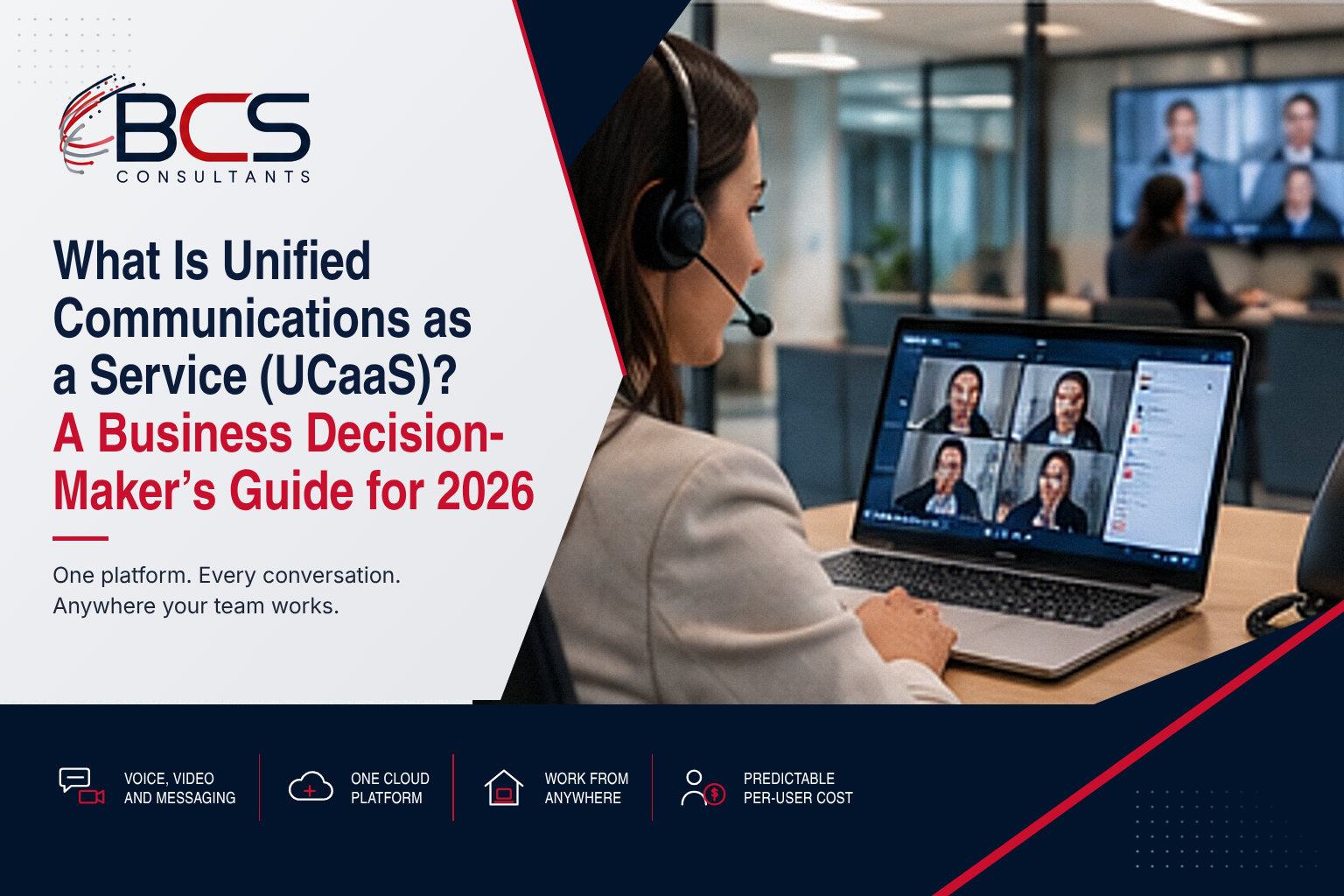
Your employees are using four different applications to communicate: a phone system for external calls, a separate video conferencing platform for internal meetings, a messaging app for quick questions, and email for everything else. None of these systems talk to each other. Presence information (is this person available?) exists in one app but not the others. Call history, meeting recordings, and voicemails are scattered across multiple platforms.
Unified Communications as a Service (UCaaS) is the category of cloud-delivered platform that consolidates all of these into a single application. BCS Consultants designs and deploys unified communications solutions — from Microsoft Teams Phone to full cloud voice platforms — for organizations across Southern California and nationally.
What Unified Communications Means
Unified communications (UC) combines voice calls, video meetings, instant messaging, file sharing, and presence (availability status) into a single integrated platform. When someone calls your business number, the call can ring simultaneously on your desk phone, your laptop, and your smartphone. When you check a colleague's availability before calling, you see their real-time status from the same platform. Meeting recordings, voicemails, chat history, and shared files are all in one place.
What the "as a Service" Part Means
UCaaS delivers this unified communications capability through a cloud-based subscription model. There is no on-premise PBX (private branch exchange) server to purchase, maintain, or replace. The platform is managed by the provider, updates deploy automatically, and users access it through a desktop client, mobile app, or web browser. Scaling up or down is a matter of adding or removing user licenses — no hardware procurement required.
UCaaS vs. Traditional PBX: What You Gain and What You Give Up
What You Gain
UCaaS eliminates the capital expense of PBX hardware (typically $300–$800 per user), the ongoing cost of hardware maintenance and software licensing, the inflexibility of a hardware-constrained system, and the expertise requirement to manage an on-premise system. You gain a continuously updated platform with features that a traditional PBX cannot match: AI transcription, integrated video, mobile-first operation, and real-time analytics.
What You Give Up
Control over the infrastructure. Some organizations with strict data sovereignty requirements, compliance mandates, or highly specialized telephony needs may find cloud UCaaS inadequate. Internet connectivity becomes critical — a UCaaS deployment requires reliable, sufficient bandwidth for all concurrent calls and video meetings. Call quality depends on your network, not just the platform.
Total Cost Comparison
A traditional PBX typically costs $400–$600 per seat for hardware, plus annual maintenance contracts and upgrade costs. UCaaS typically costs $15–$40 per user per month (Business tier) to $35–$65 per user per month (Enterprise tier with all features). Over 3 years, UCaaS is typically less expensive for organizations under 200 users.
Microsoft Teams Phone: The Leading Enterprise UCaaS Platform
Microsoft Teams Phone transforms Microsoft Teams — already the most widely deployed enterprise collaboration platform — into a full cloud phone system. Direct Routing (connecting your existing SIP trunk to Teams Phone) or Microsoft Calling Plans (Microsoft provides the PSTN connectivity) allow Teams to make and receive external calls through the same interface used for internal meetings and messaging.
BCS Consultants designs and deploys Microsoft Teams Phone implementations, including Direct Routing architecture, Teams Rooms integration, and call flow configuration. For organizations already using Microsoft 365, Teams Phone eliminates the need for a separate phone system entirely.
How to Evaluate If Your Organization Is Ready for UCaaS
- Network readiness: UCaaS requires reliable internet connectivity with sufficient bandwidth for all concurrent calls and video meetings. Quality of Service (QoS) configuration is critical.
- Current system assessment: Document your existing phone system, call volumes, features in use (hunt groups, auto-attendants, call recording), and user locations.
- Number porting: Existing phone numbers can typically be ported to UCaaS platforms — confirm porting timelines and any limitations for your specific numbers.
- Compliance requirements: Industries with strict compliance requirements (HIPAA, FINRA, PCI) should confirm that the UCaaS platform meets applicable compliance standards.
- Change management: UCaaS represents a significant change in how employees communicate. User training and a phased rollout plan are critical to adoption success.
Microsoft Teams Phone Direct Routing vs. Calling Plans: Which to Choose
Organizations deploying Microsoft Teams Phone face an early architecture decision that has long-term cost and flexibility implications: Direct Routing or Microsoft Calling Plans. Understanding the difference is essential before committing to either approach and before deploying devices and user configurations that depend on the connectivity model.
Microsoft Calling Plans
Microsoft Calling Plans is Microsoft fully managed PSTN connectivity service. Microsoft provides the phone numbers, the SIP trunks, and the PSTN carrier relationship. Organizations purchase Calling Plan licenses per user per month in addition to their Teams Phone System license. Calling Plans is the simpler option — there is no Session Border Controller to configure or manage, no SIP trunk contract with a third-party carrier, and no telephony expertise required beyond Teams administration. The trade-off is cost and control: Microsoft Calling Plans pricing is typically higher than comparable SIP trunk costs from major carriers, and number porting options and emergency services configuration are more limited than with Direct Routing.
Direct Routing
Direct Routing connects Microsoft Teams Phone to a third-party SIP trunk through a certified Session Border Controller. The organization maintains its own carrier relationship, which typically provides lower per-minute and per-line costs than Microsoft Calling Plans, more flexibility in number porting and management, and more options for analog device integration — fax machines, elevator phones, lobby intercoms. The trade-off is complexity: Direct Routing requires a Session Border Controller (hardware or cloud-based) to be configured, maintained, and kept current with Teams compatibility updates as Microsoft publishes them.
BCS Consultants Guidance
BCS Consultants recommends Microsoft Calling Plans for organizations with straightforward telephony requirements, limited IT resources, and a preference for simplicity over cost optimization. BCS Consultants recommends Direct Routing for organizations with complex telephony environments, high call volumes where per-minute cost optimization matters, existing SIP trunk relationships, or specific requirements — analog device integration, complex call routing — that Calling Plans cannot accommodate. BCS Consultants designs and implements both architectures and helps each client evaluate which approach fits their specific requirements and existing infrastructure investments.
Frequently Asked Questions
What is the difference between UCaaS and CCaaS?
UCaaS (Unified Communications as a Service) is designed for all employees — voice, video, messaging, and collaboration. CCaaS (Contact Center as a Service) is specifically designed for customer-facing contact center operations, with queue management, agent routing, and customer analytics.
How much does UCaaS cost per user per month?
Business-tier UCaaS typically ranges from $15 to $40 per user per month. Enterprise-tier (adding call recording, compliance, advanced analytics) ranges from $35 to $65 per user per month. Microsoft Teams Phone Plan pricing starts around $15/user/month plus the Microsoft 365 license.
Can UCaaS replace our existing phone system?
Yes, for most organizations. UCaaS platforms support all standard business telephony features: auto-attendants, call queues, voicemail, conferencing, call recording, and call reporting. Organizations with highly specialized telephony requirements should evaluate platform capabilities against their specific needs before committing.
Is UCaaS the same as VoIP?
No. VoIP (Voice over IP) is the technology protocol that transmits voice calls over internet data connections. UCaaS is a cloud-delivered platform that uses VoIP as its underlying technology but adds unified messaging, video conferencing, presence, and collaboration features.
What happens to our phone numbers when we switch to UCaaS?
Existing business phone numbers can typically be ported from your current carrier to a UCaaS platform. The porting process takes 2 to 6 weeks depending on the carrier and number type. BCS Consultants can audit your number inventory and manage the porting process as part of the implementation.
Explore Unified Communications with BCS Consultants
BCS Consultants designs and deploys unified communications solutions — from Microsoft Teams Phone to full cloud voice platforms — for organizations in Southern California and nationally.
→ Explore Unified Communications Solutions: https://www.bcsconsultants.com/solutions/unified-communications/
📞 Talk to a BCS Consultants Specialist: https://www.bcsconsultants.com/contact/contact-us/