
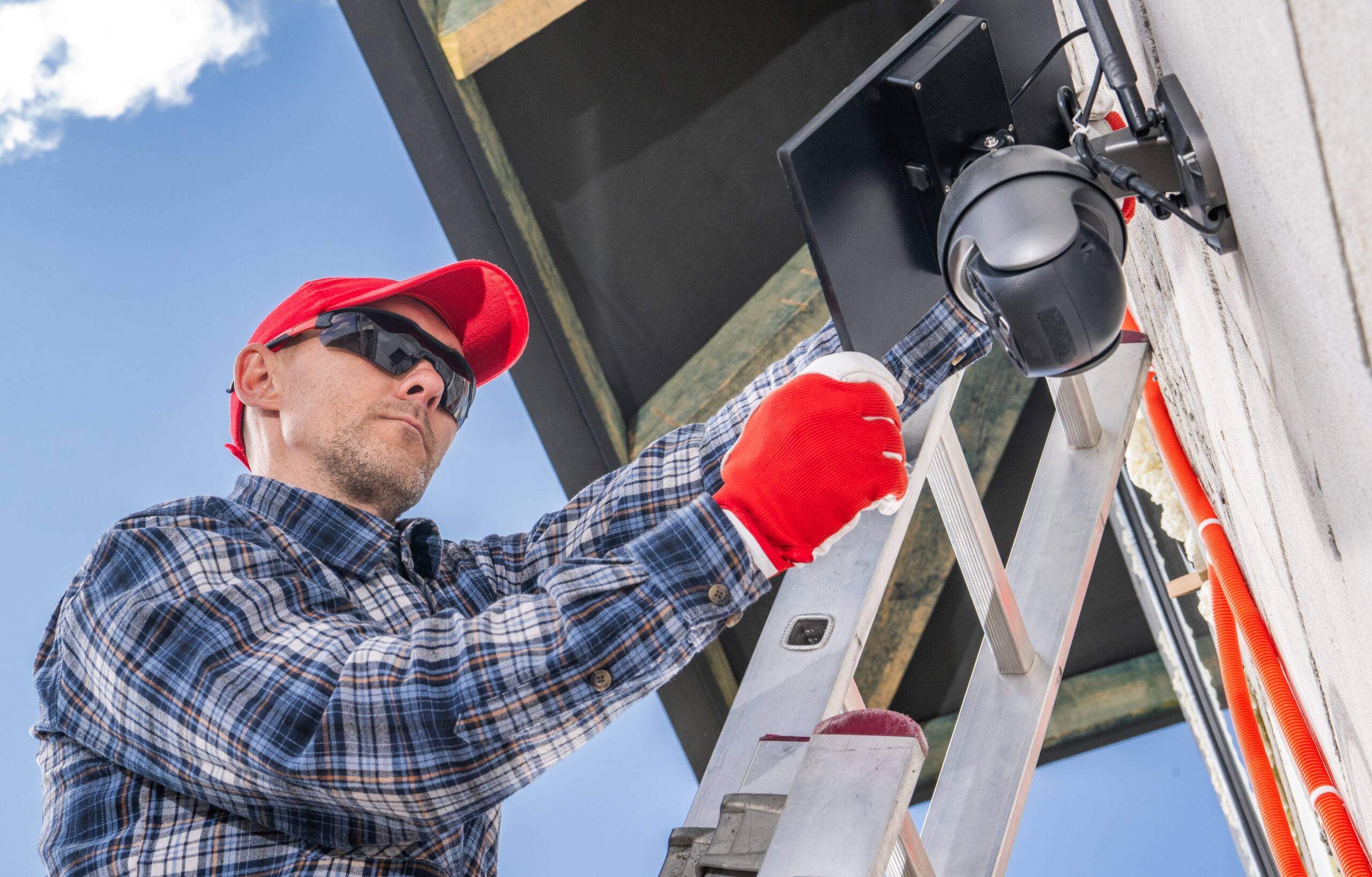
Introduction: Why Commercial Surveillance Cameras Matter for Modern Businesses
Security challenges facing businesses today are more complex than ever. From organized retail theft and workplace liability claims to unauthorized access, vandalism, and cybersecurity risks, companies need proactive protection strategies that go beyond traditional locks and alarms.
This is where commercial surveillance cameras play a critical role. Modern commercial surveillance camera systems are designed not only to record incidents but also to improve operational visibility, strengthen workplace safety, support compliance efforts, and protect valuable assets.
Today’s video surveillance for business environments leverage AI-driven analytics, cloud storage, remote monitoring, and smart integrations to provide real-time insights and faster response capabilities. Whether you operate a retail store, office, warehouse, healthcare facility, or industrial site, investing in the right commercial surveillance systems can significantly reduce risk and improve business continuity.
At BCS Consultants, we help California businesses deploy scalable, secure, and compliant security and surveillance solutions tailored to their operational needs.
Understanding Commercial Surveillance Camera Systems
Building an effective surveillance infrastructure starts with understanding the technologies involved and how they support your security objectives.
Types of Surveillance Cameras
CCTV Cameras
Traditional CCTV (Closed-Circuit Television) cameras transmit analog video to local recording systems. While still used in some legacy environments, they offer limited scalability and lower image quality compared to modern IP-based systems.
CCTV systems are commonly found in:
- Small businesses
- Older facilities
- Budget-conscious installations
- Basic indoor monitoring applications
IP Cameras
IP (Internet Protocol) cameras are the modern standard for commercial surveillance camera systems. These cameras transmit digital video over a network, providing higher image quality, advanced analytics, and remote accessibility.
Benefits include:
- High-definition and 4K video quality
- Remote viewing from mobile devices
- Cloud integration
- AI-powered analytics
- Scalability for future expansion
- Improved cybersecurity controls
For businesses seeking the best long-term video surveillance for business, IP cameras provide superior flexibility and performance.
Dome Cameras
Dome cameras are commonly used indoors due to their discreet appearance and wide-angle coverage.
Ideal applications include:
- Retail stores
- Office environments
- Reception areas
- Hospitality businesses
- Hallways and common areas
Vandal-resistant dome models are among the best options for indoor commercial surveillance cameras.
Bullet Cameras
Bullet cameras are highly visible and act as strong visual deterrents. Their long-range capabilities make them ideal for outdoor monitoring.
Best uses include:
- Parking lots
- Building perimeters
- Loading docks
- Entrances and exits
Many businesses use bullet cameras as part of their exterior commercial surveillance systems strategy.
PTZ Cameras (Pan-Tilt-Zoom)
PTZ cameras allow operators to remotely pan, tilt, and zoom to track activity in real time.
These cameras are commonly used in:
- Warehouses
- Industrial facilities
- Distribution centers
- Large campuses
- Manufacturing sites
They are often integrated into advanced security and surveillance solutions for large-scale facilities.
Thermal Cameras
Thermal cameras detect heat signatures rather than visible light, making them effective in low-visibility environments.
Common applications include:
- Critical infrastructure
- High-security facilities
- Industrial sites
- Restricted-access zones
Key Components of a Surveillance System
An effective commercial surveillance camera system includes more than cameras alone.
Recording Infrastructure
Businesses typically choose between:
- NVR (Network Video Recorder)
- DVR (Digital Video Recorder)
- Hybrid storage solutions
- Cloud storage platforms
A cloud based video surveillance system offers remote access, scalable storage, and improved disaster recovery capabilities.
Network Connectivity
Modern surveillance systems rely heavily on secure network infrastructure.
Important considerations include:
- PoE (Power over Ethernet)
- VLAN segmentation
- Encrypted wireless connections
- Firewall configuration
- Bandwidth allocation
Video Management Software (VMS)
VMS platforms enable businesses to:
- View live footage
- Search archived video
- Configure alerts
- Manage permissions
- Generate incident reports
Importance for Business Security
Professionally deployed commercial surveillance cameras help businesses:
- Deter theft and vandalism
- Reduce liability claims
- Improve employee safety
- Monitor operations remotely
- Strengthen compliance documentation
- Protect physical assets
- Support incident investigations
For California businesses, properly managed surveillance systems also help meet regulatory and insurance requirements.
Planning Your Surveillance Camera Installation
Successful commercial security camera installation starts with careful planning and risk assessment.
Assessing Security Needs and Risks
Before installation, businesses should conduct a comprehensive evaluation of their facility.
Key areas to assess include:
- Entry and exit points
- High-value asset locations
- Employee-only areas
- Parking lots and exterior zones
- Existing blind spots
- Historical incident data
- Lighting conditions
A professional assessment ensures your commercial surveillance camera systems provide maximum coverage and operational value.
Choosing Camera Locations and Coverage Areas
Strategic placement is essential for effective video surveillance for business environments.
Entry Points
Install high-resolution cameras at all primary and secondary entrances to capture facial details and visitor activity.
High-Traffic Areas
Monitor:
- Reception areas
- Point-of-sale stations
- Waiting areas
- Shipping and receiving zones
Blind Spots
Warehouses, stairwells, storage aisles, and secluded corners often require additional camera coverage.
Outdoor Areas
Exterior surveillance should cover:
- Parking lots
- Fencing
- Loading docks
- Building perimeters
Most business security camera installation projects position cameras between 8–12 feet high for optimal visibility and tamper resistance.
Compliance and Legal Considerations
California businesses must comply with privacy regulations when deploying commercial surveillance cameras.
Best practices include:
- Avoiding cameras in private spaces
- Posting visible surveillance notices
- Restricting unauthorized access to footage
- Encrypting stored video data
- Reviewing audio recording laws carefully
Failure to follow privacy regulations can expose businesses to legal and financial risk.
Step-by-Step Commercial Camera Installation Process
Professional commercial security camera installation requires a structured deployment process to ensure system reliability and long-term performance.
Equipment Setup and Wiring
For wired IP camera systems:
- Use Cat6 or Cat6a cabling
- Deploy PoE switches for simplified power delivery
- Protect exterior wiring with conduit
- Install weather-resistant housings outdoors
For wireless deployments:
- Use enterprise-grade encrypted Wi-Fi
- Ensure adequate bandwidth capacity
- Minimize interference from other devices
Network Configuration and Connectivity
Secure network architecture is essential for modern commercial surveillance systems.
Recommended configurations include:
- Static IP assignments
- VLAN segmentation
- Firewall isolation
- Secure remote access
- VPN connectivity for remote viewing
Proper network setup improves both performance and cybersecurity resilience.
Testing and System Optimization
After installation, systems should undergo comprehensive testing.
This includes:
- Verifying camera angles
- Testing motion detection zones
- Confirming recording quality
- Evaluating nighttime visibility
- Validating remote access functionality
- Checking storage retention settings
Professional testing ensures your commercial surveillance camera systems operate effectively under real-world conditions.
Best Practices for Managing Surveillance Systems
Installing surveillance hardware is only the beginning. Long-term performance depends on proactive system management.
Monitoring and Access Control
Modern video surveillance for business solutions allow businesses to:
- View live feeds remotely
- Receive real-time alerts
- Manage multi-site operations
- Assign user permissions
- Monitor system health
Access should be restricted to authorized personnel only.
Data Storage and Backup Solutions
Reliable storage is critical for evidence preservation and compliance.
Businesses commonly use:
- Local NVR storage
- RAID redundancy
- Hybrid cloud storage
- Fully cloud based video surveillance systems
Cloud-enabled platforms provide:
- Remote backup
- Disaster recovery
- Scalable retention
- Simplified access management
Regular Maintenance and Updates
Routine maintenance keeps commercial surveillance camera systems operating efficiently.
Monthly Tasks
- Clean camera lenses
- Inspect housings and mounts
- Test recording playback
- Verify remote access
- Check motion detection accuracy
Quarterly Tasks
- Update firmware
- Review storage performance
- Audit user permissions
- Inspect network security settings
- Reevaluate camera alignment
Regular maintenance reduces downtime and extends system lifespan.
Benefits of a Well-Managed Surveillance System
A professionally managed surveillance solution delivers benefits beyond security alone.
Enhanced Security and Loss Prevention
Visible commercial surveillance cameras deter criminal activity and reduce theft, vandalism, and unauthorized access.
Businesses often experience:
- Lower shrinkage rates
- Faster incident response
- Improved evidence collection
- Reduced liability exposure
Improved Operational Oversight
Modern commercial surveillance systems help managers monitor operational efficiency and workflow patterns.
Businesses can:
- Observe customer interactions
- Improve process accountability
- Monitor logistics operations
- Analyze traffic flow
- Enhance service quality
Increased Safety for Employees and Assets
A reliable surveillance system supports safer working environments by helping businesses:
- Monitor hazardous areas
- Investigate workplace incidents
- Improve emergency response
- Protect employees and visitors
This strengthens both operational continuity and risk management efforts.
Why Choose BCS Consultants for Commercial Surveillance Solutions
Professional expertise is essential for designing reliable and scalable security and surveillance solutions.
At BCS Consultants, we provide:
- Comprehensive site assessments
- Customized system design
- Professional business security camera installation
- Secure network integration
- Cloud and hybrid storage solutions
- Ongoing maintenance and support
- Compliance-focused deployments
Our team helps California businesses build future-ready commercial surveillance camera systems that prioritize reliability, scalability, and operational performance.
Final Thoughts
Investing in commercial surveillance cameras is not simply about installing hardware — it’s about building a comprehensive security strategy that protects your business, employees, customers, and assets.
With proper planning, expert commercial security camera installation, and ongoing maintenance, businesses can create intelligent surveillance environments that improve safety, reduce liability, and strengthen operational oversight.
Whether you need a small office deployment or a large-scale cloud based video surveillance system, BCS Consultants delivers customized solutions built for long-term reliability and performance.
Frequently Asked Questions
1. What are the benefits of a cloud based video surveillance system?
A cloud based video surveillance system provides remote access, automatic backups, scalable storage, easier system management, and improved disaster recovery compared to traditional local-only storage solutions.
2. How often should commercial surveillance systems be maintained?
Most businesses should perform monthly inspections and quarterly system audits to ensure cameras, storage systems, firmware, and network configurations remain secure and operational.
3. What resolution is best for commercial surveillance cameras?
For most businesses, 1080p is the minimum recommended resolution. High-risk areas such as entrances, cash registers, and loading docks benefit from 4K cameras for improved facial and license plate recognition.
4. Can commercial surveillance camera systems integrate with access control systems?
Yes. Modern commercial surveillance camera systems can integrate with access control, alarm systems, AI analytics, and building management platforms to provide centralized security monitoring and automation.