
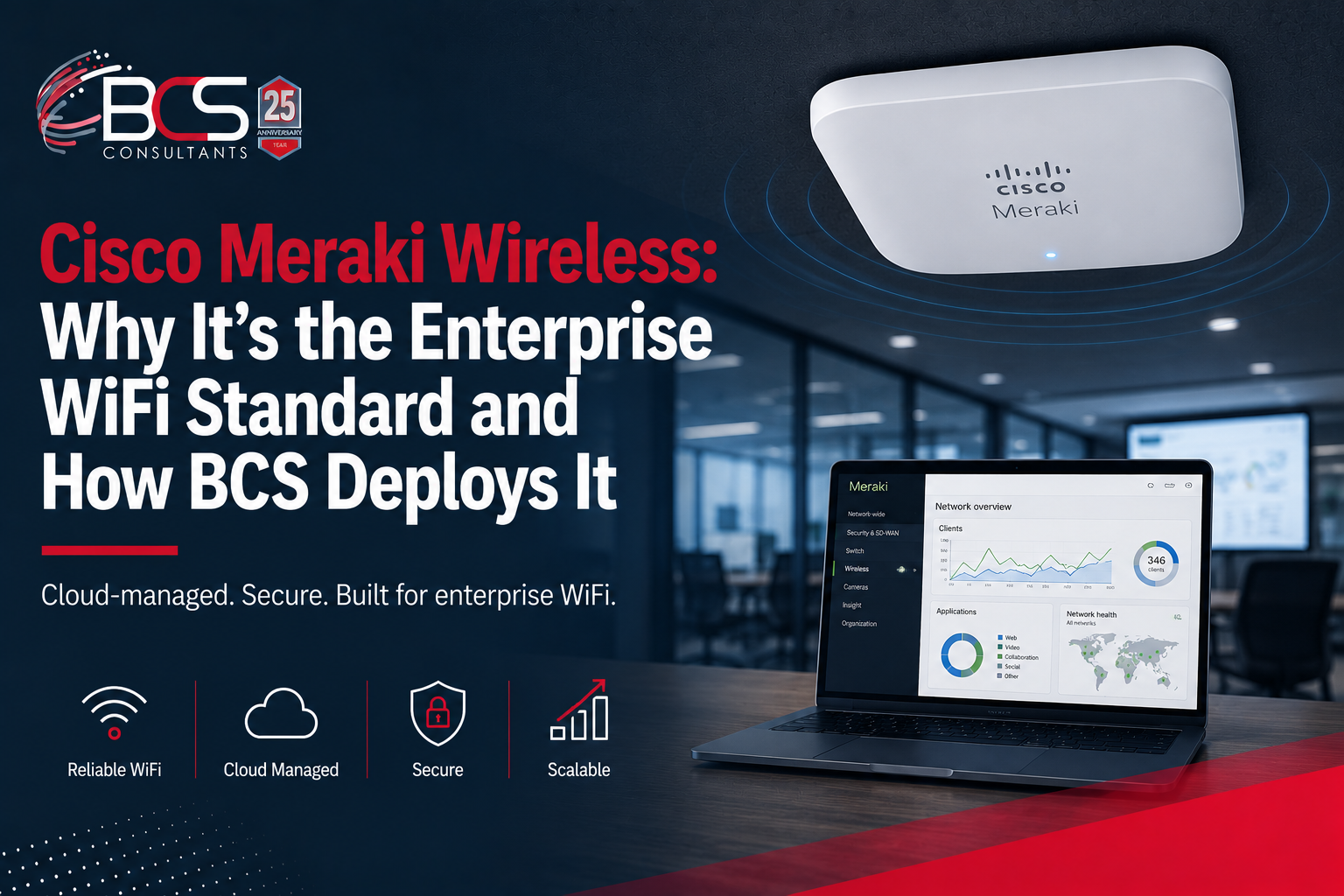
Cisco Meraki is the most widely deployed enterprise wireless platform in the world, and for the organizations that manage it daily, the reason is consistent: it works, it scales, and it is manageable in a way that most enterprise IT products are not.
BCS Consultants is a certified Cisco Meraki partner. We design and deploy Meraki wireless infrastructure for corporate offices, healthcare facilities, retail chains, educational institutions, and multi-site organizations. This guide explains what makes the Meraki platform distinctive, what the hardware lineup looks like, and what a professionally designed Meraki deployment involves.
What Is the Cisco Meraki Platform?
Cisco Meraki is a cloud-managed networking platform that includes wireless access points, switches, security appliances, cameras, and endpoint management — all managed through the Meraki Dashboard, a cloud-based management interface accessible from any browser.
The Meraki architecture is fundamentally different from traditional enterprise networking in one important way: all management and configuration is cloud-based. There is no on-premise controller hardware to purchase, configure, maintain, and replace. Every Meraki access point, switch, and security appliance is registered to the Meraki Dashboard at the factory and is ready to be configured the moment it connects to a network — a model Meraki calls "zero-touch provisioning."
This architecture has significant operational implications for organizations managing multiple sites: every access point in every location appears in a single Dashboard instance, with consistent visibility and management capability regardless of where the devices are physically located.
The Meraki MR Wireless Access Point Lineup
MR36 — Standard Office Environments
The MR36 is Meraki's entry-level Wi-Fi 6 access point and the standard specification for general office environments with normal device density. It supports dual-band 2.4GHz and 5GHz operation, MU-MIMO, and delivers sufficient capacity for the typical office floor with standard workstations, phones, and collaboration devices. The MR36 is ceiling-mounted and powered via PoE.
MR46 — Medium to High Density
The MR46 is Meraki's mid-range Wi-Fi 6 access point, appropriate for environments with higher device density — open-plan workspaces, conference centers, and office areas where device concentration is above the norm. It provides higher maximum throughput than the MR36 and includes enhanced radio features for environments where many devices compete for the wireless spectrum simultaneously.
MR57 — High-Density Environments
The MR57 is Meraki's high-density access point, designed for auditoriums, conference centers, large open offices, and any environment where a very large number of devices are concentrated in a relatively small area. It supports tri-band operation, providing dedicated spectrum across 2.4GHz, 5GHz, and an additional 5GHz radio — increasing the available capacity for high-density scenarios where a standard dual-band AP would be overwhelmed.
MR86 — Outdoor Environments
The MR86 is Meraki's outdoor Wi-Fi 6 access point, rated IP67 for full weatherproofing. It is appropriate for outdoor courtyards, parking structures, outdoor dining areas, building exteriors, and campus outdoor spaces. It supports the same Meraki Dashboard management as indoor APs, with no different management interface required for outdoor deployments.
The Meraki Dashboard: Centralized Management at Scale
The Meraki Dashboard is what differentiates the Meraki platform from traditional enterprise wireless infrastructure. Every access point in every location is visible in a single interface with consistent information and management capability.
Network-wide visibility shows which APs are online and offline, client device counts at every AP, aggregate network health across the entire wireless deployment, and a timeline view of network events for troubleshooting. Administrators can see at a glance whether there are coverage or capacity issues anywhere in the organization without performing site visits or logging into separate management systems at each location.
Automatic firmware updates eliminate the manual patching process that enterprise wireless management typically requires. Meraki pushes firmware updates to all enrolled devices automatically during off-hours maintenance windows, with no administrator intervention required.
RF optimization features in the Dashboard include automatic channel selection, transmit power control, and band steering — the Dashboard continuously analyzes the RF environment and adjusts AP parameters to optimize coverage and capacity. In most environments, these features eliminate the need for manual RF tuning after installation.
What a BCS Meraki Wireless Deployment Looks Like
BCS Consultants begins every Meraki wireless project with a predictive wireless survey using Ekahau AI Pro, the industry-leading wireless planning platform. The survey creates a virtual model of the building using floor plan data and RF propagation characteristics for the specific construction materials, simulating signal coverage from different AP placement configurations before any hardware is purchased.
The survey output is a deployment plan that specifies the number and model of APs required, their recommended placement positions, and the channel assignments that minimize co-channel interference. This plan drives hardware procurement and installation scheduling.
Installation covers ceiling mounting or bracket mounting at the surveyed positions, PoE cabling from each AP location back to the nearest IDF switch, Meraki Dashboard enrollment and organization configuration, SSID architecture (corporate, guest, IoT), VLAN mapping, and any integration required with existing network infrastructure.
Post-installation validation uses the same Ekahau software to perform a walk test that measures actual signal coverage throughout the space, confirming that the deployed system matches the predictive design and identifying any areas that require adjustment.
Frequently Asked Questions
Does Cisco Meraki require a subscription?
Yes. Every Meraki access point requires an annual Enterprise or Advanced license that covers Dashboard access, cloud management, technical support, and firmware updates. The license is included in the initial purchase for a set term (typically one, three, or five years) and renewed thereafter.
How many access points do I need for my office?
The answer depends on your building layout, construction materials, device density, and performance requirements. A general guideline is one access point per 1,500 to 2,500 square feet in a standard office environment, but high-density areas require more. BCS's predictive wireless survey gives you the exact number before you purchase a single device.
Can Meraki access points work with our existing Cisco network switches?
Yes. Meraki APs work with any PoE-capable switch, including non-Meraki Cisco switches and switches from other vendors. For the most integrated management experience, Meraki MS switches managed through the same Dashboard instance as the APs provide unified visibility and simplified configuration.
