
The average meeting loses 10 minutes to technology setup. Across an organization of 50 people who each participate in three meetings per week, that is 2,500 minutes of lost productivity every month — more than 41 person-hours. Multiply that by average loaded labor cost and the number becomes significant quickly.
Conference room automation is the technology stack that eliminates setup friction: the room is ready before you walk in, the display and camera activate when you enter, the lighting adjusts for presentation mode, and the video conference starts with a single touch. BCS Consultants is a certified Crestron dealer and programmer. This guide explains the components of a complete conference room automation system.
What Conference Room Automation Actually Is
Conference room automation integrates the separate systems in a meeting space — AV, lighting, shading, HVAC, scheduling, and room booking — into a unified control experience. Rather than operating each system independently, automation allows all of these to happen simultaneously with a single touch or automatically when the room is occupied.
The Scheduling Layer: Room Booking Panels and Calendar Integration
Outside the conference room door, a scheduling panel shows current and upcoming bookings at a glance. Available rooms display in green; occupied rooms in red. The panel integrates with Microsoft 365, Google Calendar, or other enterprise calendar platforms — bookings made in the calendar system appear immediately on the room panel, and bookings made from the room panel appear in the calendar system.
Ad-hoc booking from the panel is as simple as tapping "Book Now" and selecting a duration. Release features automatically free rooms that were booked but never occupied — reducing ghost bookings that waste meeting space.
One-Touch Control: What Happens When You Walk In
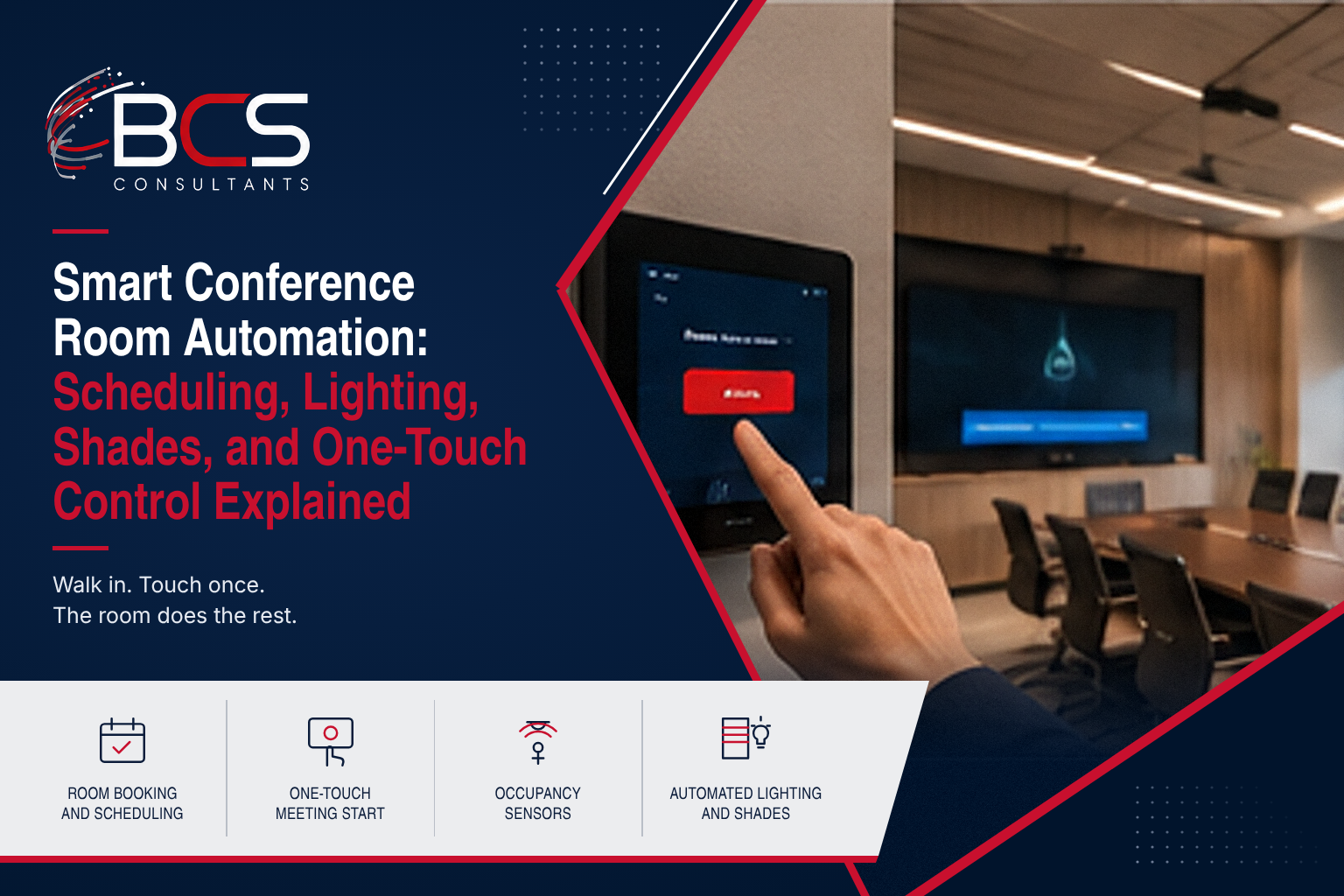
A one-touch meeting start sequence — triggered by the calendar booking or by a single tap on the room control panel — can activate:
- Displays powering on and switching to the correct input
- Video conferencing system launching the scheduled meeting
- Lights adjusting to presentation brightness
- Motorized shades lowering to eliminate glare on the display
- HVAC set point adjusting for occupancy comfort
The reverse sequence happens when the meeting ends or the room is vacated.
Occupancy Sensors: How Rooms Know When They Are In Use
Occupancy sensors typically ceiling-mounted passive infrared (PIR) or ultrasonic sensors, or camera-based presence detection — tell the room control system whether the room is actually occupied. This enables: automatic release of booked rooms that are not occupied (ghost booking recovery); automatic power-down of AV equipment when the last person leaves; and real-time occupancy data that feeds space utilization analytics.
Automated Lighting and Motorized Shades
In presentation mode, the lighting levels and shade positions need to balance visibility of the display with sufficient illumination for participants to take notes and see each other clearly. Automation stores "scene" presets for different modes:
- Presentation: dimmed to 30%, shades down
- Collaboration: full light, shades up
- Video Conference: moderate light, shades partial
- Vacant: lights off, shades up
Switching between modes is a single touch rather than adjusting multiple systems individually. BCS Consultants programs these scenes as part of every Crestron room automation installation
The Crestron Platform: Why BCS Consultants Specifies It
Crestron is the market-leading room automation and control platform for enterprise environments. BCS Consultants is a certified Crestron dealer and programmer. Crestron's ecosystem covers room scheduling panels, control processors, lighting control, shade control, and AV switching — all from a single manufacturer with a unified programming environment.
5 Conference Room Problems That Automation Solves
- Meeting start delays — One-touch automation starts the display, camera, and video conference in seconds.
- Lighting and shade conflicts — Presentation mode presets eliminate manual adjustments.
- Ghost bookings and room waste — Occupancy sensors automatically release unoccupied rooms.
- Multiple remote control devices — A single touch panel replaces separate remotes for display, shade, lighting, and AV.
- Post-meeting energy waste — Automated power-down sequences ensure lights, displays, and HVAC adjust when the last person leaves.
How to Choose a Room Control System: Crestron vs. AMX vs. Extron
BCS Consultants specifies Crestron as its primary room control and automation platform for commercial conference room deployments. But the commercial AV control market includes several competing platforms, and understanding the differences helps clients evaluate the recommendation and understand why Crestron is the right choice for complex enterprise environments.
Crestron
Crestron is the dominant enterprise room control platform, with the broadest ecosystem of compatible devices, the largest certified integrator network, and the deepest integration with Microsoft Teams Rooms and Zoom Rooms. The trade-off is cost — Crestron hardware carries a premium compared to competing platforms — and programming complexity, which requires certified Crestron programmers to design and implement control system logic. BCS Consultants employs Crestron-certified programmers and is a Crestron authorized dealer, providing clients with both the design expertise and the pricing advantages of an authorized channel partner.
AMX (Harman Professional)
AMX (now part of Harman Professional) offers a competing room control platform with a comparable ecosystem and similar programming model. AMX is specified in many education and government projects and offers competitive total system cost in some configurations. BCS Consultants designs and installs AMX control systems for clients with existing AMX infrastructure or where project specifications require AMX — ensuring continuity with an existing platform rather than a disruptive migration.
Extron
Extron focuses primarily on AV signal routing, distribution, and control rather than the full building automation integration that Crestron covers. Extron is frequently specified for simpler AV control applications — a single-room AV system without complex automation requirements — and is widely used in education and corporate AV environments where AV signal management is the primary requirement and complex room automation integration (lighting, shades, HVAC) is not needed.
BCS Consultants Recommendation
For enterprise conference room automation involving integration with room scheduling platforms (Microsoft 365, Google Calendar), lighting control, motorized shades, HVAC, and multiple AV systems, BCS Consultants recommends Crestron. For simpler AV control applications without complex automation requirements, Extron or platform-specific room appliances (Logitech Tap, Poly Touch Controller) are often the right and more cost-effective choice. BCS Consultants designs the right control architecture for each client specific requirements rather than applying a one-size-fits-all recommendation.
Frequently Asked Questions
What is a one-touch meeting room system?
A one-touch meeting room system allows a user to start a video conference — including display activation, camera startup, platform launch, lighting adjustment, and shade control — with a single tap on a room control panel or through a calendar booking. All systems activate simultaneously.
How much does conference room automation cost?
A basic one-touch AV and scheduling automation for a mid-size conference room typically ranges from $8,000 to $20,000 installed. Full integration including lighting, shading, HVAC, and Crestron control can range from $20,000 to $60,000+ for a large boardroom. BCS Consultants provides room-specific proposals.
Can room automation work with Microsoft Teams and Zoom?
Yes. Crestron Flex scheduling panels are natively certified for Microsoft Teams Rooms and Zoom Rooms. The room control system integrates directly with these platforms so that scheduled meetings launch automatically and room availability displays accurately on room panels.
What is an occupancy sensor for conference rooms?
An occupancy sensor detects whether a conference room is physically occupied, using passive infrared (PIR), ultrasonic, or camera-based presence detection technology. The sensor enables automatic room release for no-shows, automatic power-down when rooms are vacated, and real-time occupancy data for space planning.
Room Scheduling Integration: Connecting Your Rooms to Your Calendar
Conference room automation is most valuable when the room control system integrates with your organization calendar platform — Microsoft 365 or Google Workspace. A room display panel outside the room that shows the current and next bookings, automatically turns the room systems on when a meeting starts, and releases the room back to the booking pool when occupancy sensors confirm the room is empty dramatically improves room utilization and eliminates the double-booking and ghost-meeting problems that plague unmanaged conference room fleets. BCS Consultants configures Crestron room scheduling panels integrated with Microsoft 365 Exchange calendars and Google Workspace Calendar as a standard option on every conference room automation project, turning the room control system into an active participant in your organization space management strategy.
Work With BCS Consultants on Conference Room Automation
BCS Consultants designs and installs complete conference room automation systems — from scheduling panels to one-touch AV control — for offices and corporate campuses across Southern California and nationally.
→ See Our Room Automation Solutions: https://www.bcsconsultants.com/solutions/room-automation/
📞 Talk to a BCS Consultants Specialist: https://www.bcsconsultants.com/contact/contact-us/