
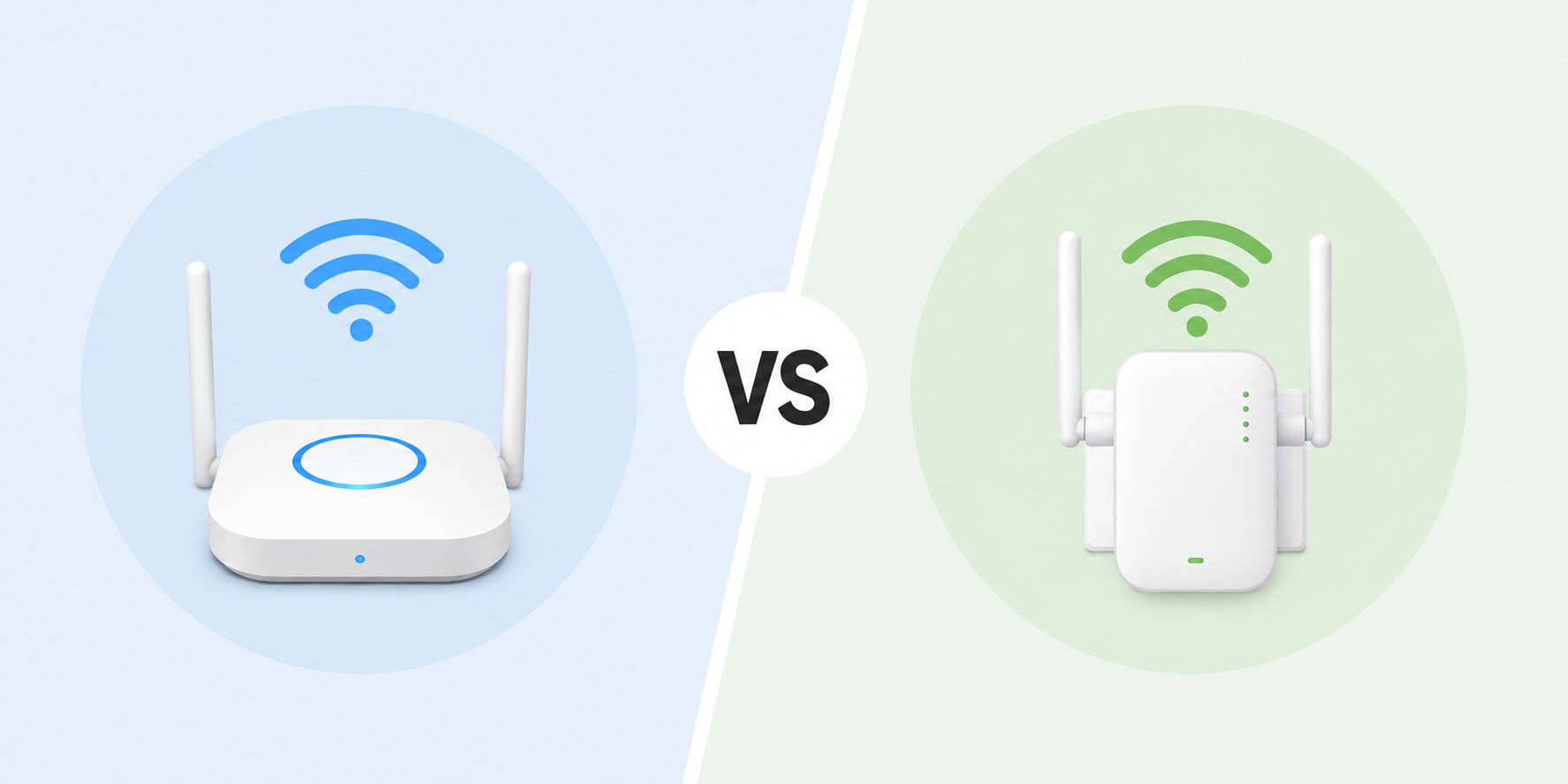
A reliable wireless solution is essential for modern businesses and homes that depend on fast, stable internet connectivity. Whether you are dealing with weak WiFi signals, dead zones, or growing network demands, understanding the difference between a wireless access point and a wireless repeater can help you choose the right networking setup.
While both devices improve wireless coverage, they work in very different ways. Businesses with multiple users and heavy network traffic often benefit from wireless access point solutions, while smaller spaces may find repeaters sufficient for extending coverage.
In this guide, we’ll explain the differences between an access point vs repeater, how each device works, and when to use them for the best network performance.
What Is a Wireless Access Point?
A wireless access point (WAP) is a networking device that creates a wireless local area network (WLAN). It connects directly to a wired router or switch through an Ethernet cable and broadcasts a WiFi signal to wireless devices.
Unlike standard routers, corporate wireless access points are designed to support a large number of simultaneous users while maintaining fast and stable connections.
Definition and Purpose
A wireless access point acts as a centralized hub that allows laptops, smartphones, printers, and other wireless devices to connect to your network securely. It helps businesses expand their WiFi coverage without sacrificing performance.
How It Extends Network Coverage
Wireless access points extend coverage by creating additional WiFi zones connected to the main network infrastructure. Because they use wired backhaul connections, they deliver stronger performance and better bandwidth management than repeaters.
Common Use Cases in Offices and Businesses
Commercial wireless access points are ideal for:
- Large offices with multiple rooms or floors
- Warehouses and retail stores
- Schools and healthcare facilities
- Businesses with high network traffic
- Environments requiring secure and scalable connectivity
For organizations that rely on uninterrupted internet access, wireless access point solutions provide better speed, reliability, and scalability.
What Is a Wireless Repeater?
A wireless repeater, also known as a WiFi extender, is a networking device that receives an existing WiFi signal and rebroadcasts it to increase coverage.
Repeaters are commonly used in homes or small offices where installing Ethernet cables is difficult.
Definition and How It Works
A repeater works by capturing the wireless signal from your router and retransmitting it to areas with weak connectivity. This helps eliminate dead zones and improve signal reach.
Role in Boosting Existing WiFi Signals
Rather than creating a new network, repeaters simply extend the existing wireless signal. They are a convenient and affordable option for expanding WiFi coverage in smaller environments.
Typical Home and Small Office Applications
Wireless repeaters are commonly used for:
- Homes with WiFi dead zones
- Small offices with limited users
- Apartments with thick walls
- Temporary workspace setups
While repeaters improve signal reach, they may reduce overall network speed because they retransmit data wirelessly.
Wireless Access Point vs Wireless Repeater: Key Differences
When comparing an access point vs extender or access point vs repeater, there are several important differences to consider.
Performance and Speed Comparison
A wireless access point offers significantly better performance because it uses a wired connection to transmit data. This ensures faster speeds, lower latency, and more stable connections.
Repeaters, on the other hand, are typically half-duplex devices. This means they cannot send and receive data simultaneously, often reducing throughput by up to 50%.
If your business relies on video conferencing, cloud applications, or large file transfers, a wireless access point is the superior wireless solution.
Coverage and Scalability
Wireless access points are designed to scale easily across large spaces. Multiple access points can work together to create seamless WiFi coverage throughout an office building.
Repeaters are more suitable for small coverage extensions and may struggle in environments with many connected devices.
Installation and Cost Differences
Repeaters are generally less expensive and easier to install since they only require a power outlet.
Wireless access points may involve higher upfront costs due to Ethernet cabling and professional installation. However, they provide greater long-term value for growing businesses.
| Feature | Wireless Access Point | Wireless Repeater |
|---|---|---|
| Connection Type | Wired Ethernet | Wireless |
| Speed & Performance | High | Moderate |
| Scalability | Excellent | Limited |
| Best For | Businesses & large offices | Homes & small offices |
| Installation | More advanced | Simple |
| Cost | Higher upfront investment | Lower cost |
When to Use a Wireless Access Point or a Repeater
Choosing between an access point vs repeater depends on your network size, usage, and performance requirements.
Best Scenarios for a Wireless Access Point
Choose a wireless access point if you:
- Need enterprise-grade WiFi performance
- Have multiple users connected simultaneously
- Require stable video conferencing and cloud access
- Want scalable network infrastructure
- Operate a medium-to-large business
Best Scenarios for a Wireless Repeater
Choose a wireless repeater if you:
- Need to eliminate small dead zones
- Have limited networking needs
- Want an affordable WiFi extension option
- Cannot run Ethernet cables
Business vs Home Environment Considerations
For businesses, especially those with high network traffic, commercial wireless access points are the preferred solution because they deliver reliability, security, and scalability.
For homes or very small offices, repeaters can provide a quick and cost-effective coverage boost.
Tips to Improve WiFi Coverage and Network Performance
No matter which wireless solution you choose, optimizing your network setup can improve performance and reliability.
Placement Strategies
- Place access points centrally for maximum coverage
- Avoid placing repeaters too far from the router
- Elevate networking devices away from obstructions
Avoiding Interference
Wireless signals can be disrupted by:
- Thick walls
- Microwaves and cordless phones
- Metal surfaces
- Neighboring WiFi networks
Using dual-band or tri-band equipment can help reduce interference.
Choosing the Right Networking Solution
If your business experiences slow speeds, dropped connections, or poor coverage, upgrading to professional wireless access point solutions may be the best investment for long-term performance.
Improve Your Business Connectivity with the Right Wireless Solution
Now that you understand the difference between a wireless access point and a wireless repeater, you can make a smarter decision for your network setup.
If your business struggles with slow WiFi, poor coverage, or unreliable connectivity, upgrading to professional wireless access point solutions can dramatically improve performance and productivity.
At BCS Consultants, we help businesses implement secure, scalable, and high-performing networking systems tailored to their needs.
Contact our friendly and reliable team today to discover how we can modernize your business with the right wireless solution.
Frequently Asked Questions
1. What is the difference between an access point and a repeater?
A wireless access point creates a new WiFi network connection using a wired connection, while a repeater simply extends an existing wireless signal.
2. Is a wireless access point better than a WiFi extender?
Yes, in most business environments, wireless access points provide faster speeds, better scalability, and more reliable performance compared to WiFi extenders.
3. Can a wireless repeater slow down internet speed?
Yes. Since repeaters retransmit wireless signals, they can reduce data throughput and overall network speed.
4. Are wireless access points good for large offices?
Absolutely. Corporate wireless access points are specifically designed to handle multiple users, large coverage areas, and high-bandwidth applications.