
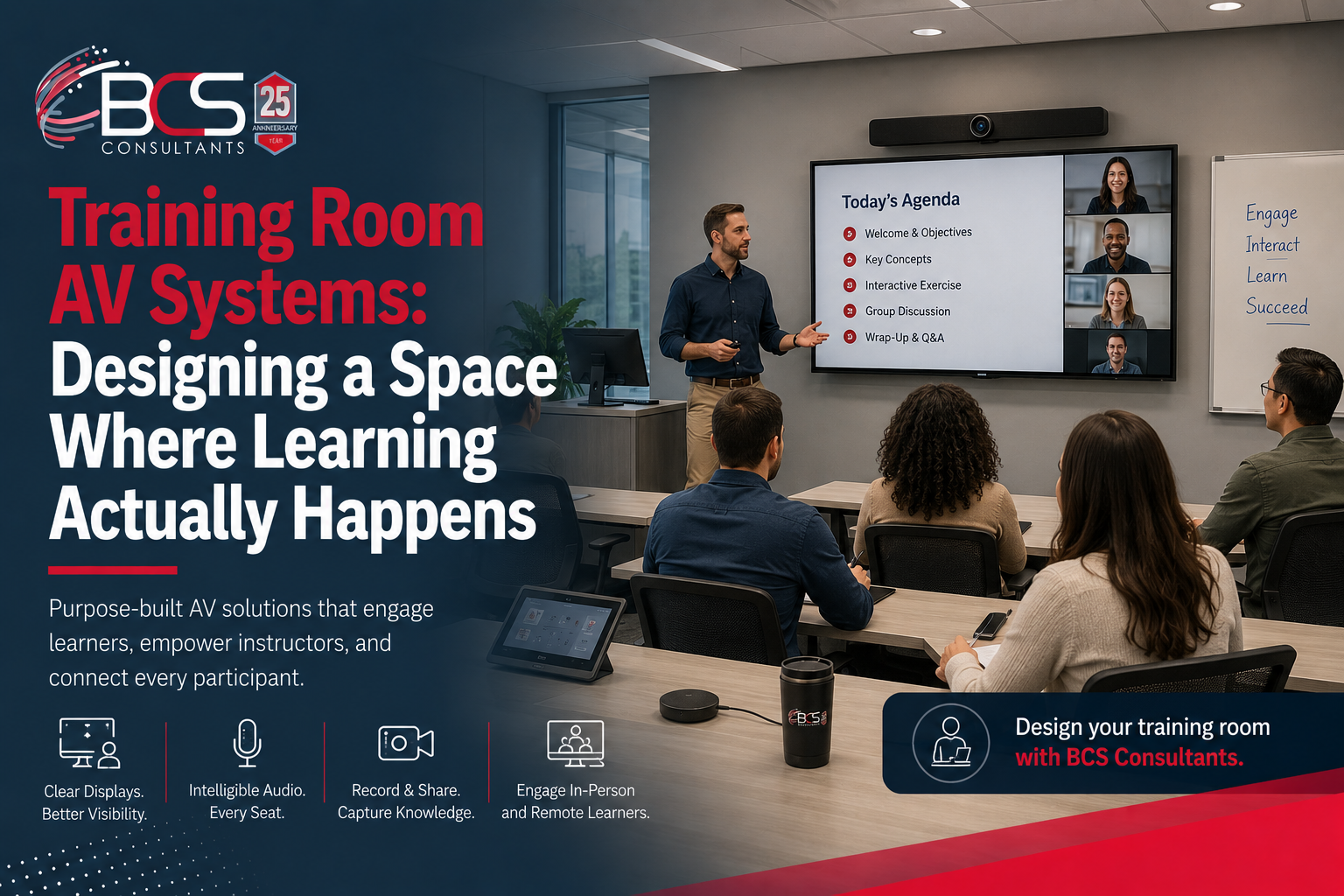
A training room is not a conference room with more chairs. The activities that happen in a training environment — instructors presenting to groups, learners following along with materials, participants working through exercises, and increasingly hybrid sessions where some learners are in the room and others join remotely — require AV infrastructure designed specifically for those workflows.
Conference room AV optimized for meeting equity between a small group of participants simply does not perform well when the same room needs to support an instructor presenting to thirty learners, half of whom may be joining via video link. This guide covers what training room AV systems actually need to include — and what distinguishes a room that supports learning from one that merely tolerates it.
What Makes Training Room AV Different
Several characteristics of training environments create requirements that standard conference room AV does not address.
Larger audiences. Training rooms typically seat more people than conference rooms — often twenty to fifty learners, sometimes more. Coverage requirements for cameras, microphones, and displays scale accordingly, and the front-of-room display must be large enough for learners at the back of the room to clearly see text and graphics on presentations.
Instructor-centered workflows. In a training context, there is usually a primary presenter or instructor who needs AV support — a way to present materials, a microphone that follows them as they move around the room, and the ability to share content from multiple sources (laptop, document camera, video) without technical friction.
Participant interaction. Effective training involves learner participation — question and answer sessions, group exercises, participant presentations. AV systems that only support a single presenter fail at this point. Wireless microphones for participant questions, content sharing from learner devices, and recording of participant discussions for review all require specific hardware.
Hybrid participation. As distributed workforces make in-person attendance for all learners impractical, training rooms increasingly need to support simultaneous in-room and remote learners. This is a significantly more demanding requirement than a standard hybrid conference — the AV system must cover the instructor, present content to both audiences simultaneously, and give remote learners a clear view of any participant interaction in the room.
BCS Consultants designs and installs training room AV systems for corporate facilities across Southern California — displays, audio, control systems, and video conferencing integration.
Design Your Training Room with BCS
Display Systems for Training Rooms
The display system in a training room must ensure that every learner, regardless of where they are seated in the room, can clearly read text and graphics on the presentation at a comfortable size. This requires either a very large primary display or multiple displays positioned throughout the room.
For rooms up to thirty feet in depth, a single large-format commercial display — typically in the range of ninety-eight inches to one hundred and ten inches — is appropriate if the display is positioned at the front and elevated to a height that provides clear sightlines over seated learners. For deeper rooms or rooms with columns that create sightline obstructions, a dual-display configuration or additional distributed displays may be required.
In rooms designed for both in-person and hybrid learning, a dual-display setup is strongly recommended: one display for the content being presented, and one display showing the remote participant gallery so that in-room learners can see their remote colleagues and the instructor can maintain eye contact with both audiences.
Audio Systems for Training Rooms
Instructor Microphones
Training instructors move around the room — writing on whiteboards, walking between participant groups, demonstrating equipment or processes. A fixed podium microphone does not serve this use case. A wireless lapel (lavalier) microphone clipped to the instructor's clothing provides consistent, high-quality audio pickup regardless of where the instructor is positioned in the room, and feeds directly into the conference room codec for remote participant audio and into the room recording system.
Audience Microphones for Q&A
When learners ask questions or make contributions in a training session, remote participants — and the recording system — need to capture that audio clearly. Options range from pass-around handheld microphones for smaller groups, to ceiling microphone arrays that provide zone coverage across the learner seating area, to a combination of ceiling mics and wireless handhelds for flexibility.
Distributed Speaker System
A distributed ceiling speaker system provides even audio reinforcement throughout the training room, ensuring that remote participant audio, video playback audio, and amplified instructor audio are heard clearly at all seating positions. This is particularly important in training rooms with hard acoustic surfaces that create reflections and uneven sound distribution.
Recording and Streaming
Training sessions that can be recorded and replayed on demand multiply the value of the live session. Recording capability is increasingly a standard requirement for corporate training rooms, allowing sessions to be archived for employees who could not attend, for compliance training documentation, and for building a library of training content.
A complete recording solution captures instructor video from the room camera, participant audio, and the presentation content — all synchronized and combined into a single output file or stream. For organizations using a learning management system (LMS), the recording can be automatically uploaded to the LMS for learner access.
Live streaming — simultaneously broadcasting the training session to remote participants — requires the recording infrastructure to output to a video conferencing platform or a dedicated streaming service in real time. Microsoft Teams and Zoom Live Events both support this workflow when the training room codec is configured appropriately.
Content Sharing and Instructor Technology
Training instructors frequently switch between multiple content sources — their laptop presentation, a document camera for physical materials, a pre-recorded video, and a browser for live demonstrations. The AV control system needs to make these source switches simple and reliable, with a touch panel that the instructor can operate without technical assistance.
Wireless content sharing — Barco ClickShare or Mersive Solstice — allows participants to share from their own devices to the room display without cables, supporting peer-to-peer learning activities and group exercise presentations.
Document cameras are often underspecified in training rooms. A high-resolution document camera allows instructors to display physical materials, printed handouts, physical products, or handwritten notes to the room display and remote participants at high resolution.
How BCS Designs Training Room AV Systems
BCS Consultants designs training room AV systems for corporate training centers, educational institutions, healthcare facilities for clinical training, and government training environments. Our design process evaluates the training modalities the room will support, the expected maximum audience size, the instructor's technical comfort level, and the requirement for recording or streaming, before specifying the AV system.
We are certified integrators for Crestron, Shure, Biamp, Logitech, and Poly — the brands that appear most frequently in professional training room installations — and we program custom control interfaces that training instructors can operate without reading a manual.
Frequently Asked Questions
Can a training room double as a conference room when not in use for training?
Yes. BCS designs many training rooms with flexible AV configurations that support both training mode (instructor-facing, recording enabled, audience mic coverage) and conference mode (standard video conferencing layout). The Crestron control panel presents the appropriate interface for each room mode.
What is a document camera and when do I need one?
A document camera is a high-resolution camera mounted above a small platform, designed to capture physical objects, printed materials, or handwritten notes and display them on the room screen and to remote participants. They are most valuable in technical training, clinical training, and any environment where instructors regularly demonstrate with physical materials.
How do I support both in-room and remote learners simultaneously?
Supporting hybrid learning requires the room to run a video conferencing session simultaneously with the in-room training. The camera covers the instructor and the room, the codec sends video and audio to remote participants, the room displays show both the content and the remote participant gallery, and the microphone system captures both instructor and audience audio. BCS designs and programs the specific workflow for your training environment.
