
Every meeting that starts late because someone cannot get the technology to work costs the organization productive time. Five minutes per meeting, ten meetings per day, fifty employees — the math adds up quickly. But the actual cost is higher than the arithmetic suggests, because technology friction at the start of a meeting damages the confidence of the people in the room, creates stress for whoever is responsible for making it work, and communicates to clients or guests that the organization cannot manage its own infrastructure.
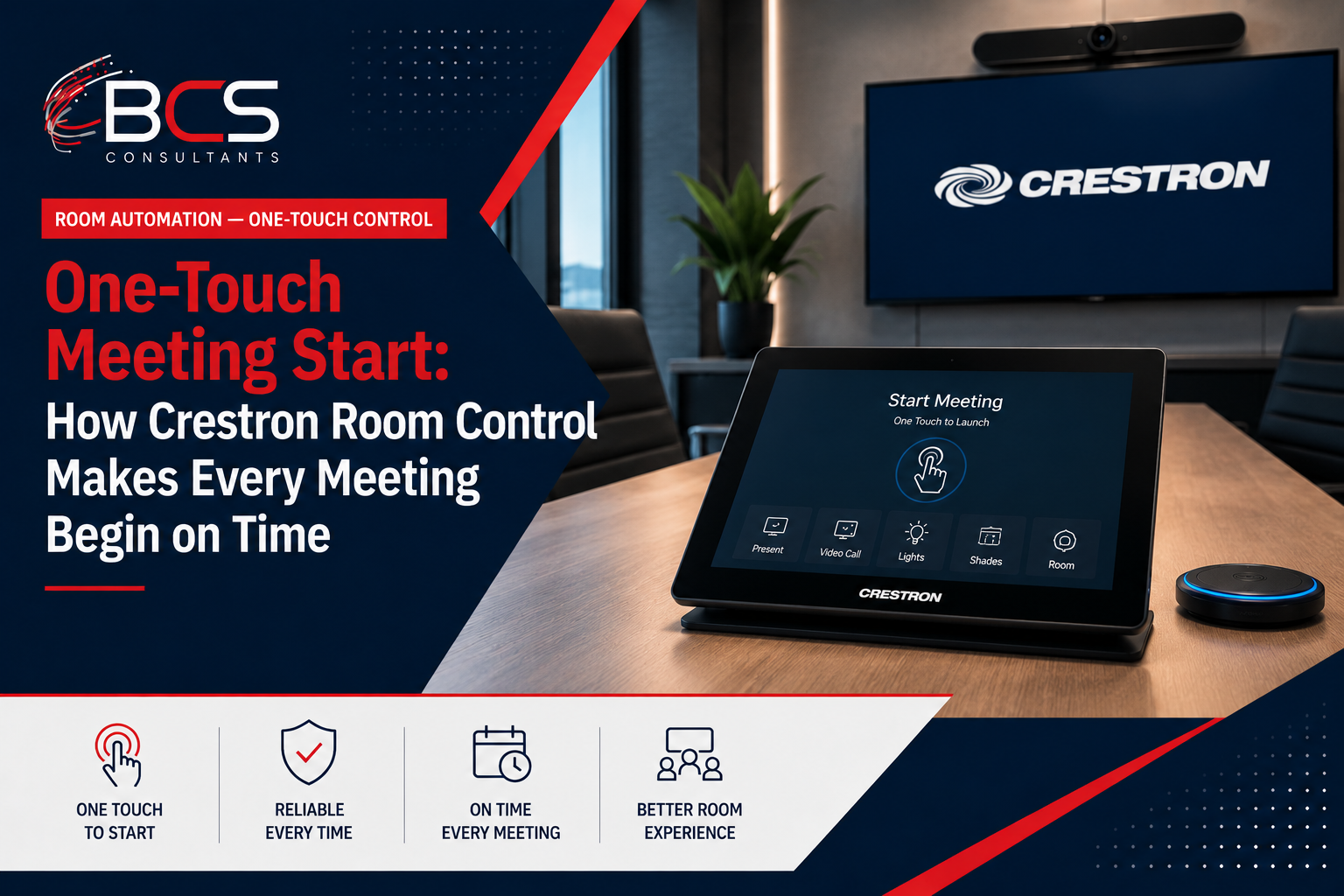
One-touch meeting start is the Crestron feature that eliminates this problem entirely. When a participant walks into a conference room, they see their meeting on the Crestron touch panel, they press Start, and the room is ready to go in seconds — displays on, codec connected to the calendar meeting, video call joined, lighting and shades in meeting mode. Nothing else required.
This guide explains exactly how one-touch meeting start works, what is required to implement it, and what separates a reliable one-touch system from a one-touch system that sometimes works.
The Problem One-Touch Solves
To appreciate what one-touch meeting start delivers, it helps to understand what the alternative looks like in practice.
In a room without one-touch control, starting a meeting involves some combination of: powering on the display (which input?), switching the input to the video conferencing source, launching the Teams or Zoom application if it is running on a connected laptop, entering or scanning the meeting join link, adjusting the volume, and hoping that the camera and microphone are recognized by the software. When it works, it takes three to five minutes. When it does not work, someone calls IT.
In a Crestron one-touch room, the touch panel mounted on the conference table or wall shows the participant's calendar — the meeting scheduled for this room, at this time, with this attendee list. The participant touches the meeting title, touches Join, and within ten to fifteen seconds the room is configured for the meeting: the displays are on with the correct inputs, the codec is connected to the meeting, the room is in meeting mode.
How Crestron One-Touch Works
One-touch meeting start is the result of Crestron's room control system — the Crestron processor — integrating three things: the room's calendar data, the state of every controlled device in the room, and the programmed sequence of actions that constitutes starting a meeting.
Calendar Integration
The Crestron scheduling system retrieves room booking data from the organization's calendar platform — Microsoft Exchange, Office 365, or Google Calendar. The touch panel displays the current and upcoming meetings for that room, pulled in real time from the calendar API. When a meeting is booked, cancelled, or modified in Outlook, the touch panel updates accordingly.
For the calendar integration to work, each room requires a resource account in the calendar platform — a dedicated mailbox for the room that receives meeting invitations when the room is booked. BCS Consultants configures the resource account and the Crestron calendar integration as part of every one-touch installation.
Device Control
The Crestron processor communicates with every controlled device in the room over the local network or through dedicated control interfaces. It knows whether the display is on or off, which input is selected, whether the codec is registered and online, what the current volume level is, and the position of the shades.
When the participant presses Start, the Crestron processor issues a sequence of commands to each controlled device, polls for confirmation that each command was received and executed, and proceeds through the sequence until the room is in meeting mode. If any device does not respond as expected, the processor can retry, log the failure, or alert the facilities team — rather than leaving the participant staring at a room that appears to be frozen mid-startup.
This feedback loop is what distinguishes a reliable one-touch system from an unreliable one. A simple programmable remote can send commands to devices in sequence, but it cannot confirm that the commands were executed successfully. Crestron's bidirectional communication with every controlled device is what enables the system to handle device failures gracefully rather than silently.
The Start Sequence
The specific sequence of actions that constitutes meeting start is custom-programmed for each room by a Crestron-certified programmer. A typical sequence:
The displays power on and switch to the video conferencing input. The codec connects to the calendar meeting using the room's calendar credentials — automatically, without the participant entering a meeting code. The room enters meeting lighting mode: overhead lights adjust to the meeting scene, window shades lower to the presentation position. The camera activates and auto-frames for the number of people present in the room. The room volume sets to the standard meeting level.
This entire sequence completes in ten to fifteen seconds from the moment the participant presses Start. When they sit down, the room is ready.
What a Reliable One-Touch System Requires
The reliability of a one-touch meeting start system depends on several factors that BCS Consultants addresses in the design and programming phases.
Network reliability: Every controlled device in a Crestron room communicates over IP. If the network drops, device communication is interrupted. BCS Consultants designs every conference room with a dedicated wired network connection for the Crestron processor and each AV device — not relying on wireless for AV control infrastructure.
Device firmware management: Conference room hardware requires periodic firmware updates that can change device communication behaviors. BCS Consultants programs rooms with firmware version awareness and maintains updated code that is compatible with current firmware on all specified devices.
Error handling: Every command in the start sequence needs a corresponding error handler that defines what the system does if the command is not confirmed. BCS Consultants programs these handlers so that device failures produce a specific diagnostic message rather than a frozen system.
Documentation and maintainability: One-touch systems that are programmed without documentation cannot be efficiently diagnosed or modified. BCS Consultants delivers full programming documentation for every Crestron project, allowing future modifications to be made without reverse-engineering the existing code.
Frequently Asked Questions
Does one-touch meeting start require internet connectivity?
The video call itself requires internet connectivity, but the room control functions — powering on the display, switching inputs, controlling lighting and shades — operate on the local network and continue to function without internet. Calendar data updates require internet access to the calendar platform, so a complete internet outage would prevent the room from displaying new meeting invitations, but existing meetings already loaded on the panel can still be joined manually.
Can one-touch be added to a room that already has AV equipment?
Yes, in most cases. If the existing AV equipment supports network or serial control interfaces, BCS Consultants can add a Crestron processor, a touch panel, and the programming to implement one-touch meeting start without replacing the existing hardware. BCS Consultants evaluates each room's existing equipment to determine what can be retained and what needs to be upgraded.
How long does it take to program a Crestron one-touch system for a conference room?
Standard conference room one-touch programming — calendar integration, display control, codec control, lighting and shade control, and basic meeting start and end sequences — typically takes one to two days of programming time per room type, with the program then deployed to additional rooms of the same type with configuration changes rather than full reprogramming.
Ready to get started? Get one-touch meeting start in your conference rooms — talk to BCS · bcsconsultants.com/contact/contact-us/
