
A hotel lobby, restaurant, and private event room may share an audio system while serving very different purposes. Each space needs appropriate content, straightforward controls, and clearly defined access. When those details are overlooked, staff end up correcting playback, changing playlists, or calling for technical help.
Crestron’s DM NAX firmware 3.2 introduces changes worth reviewing when planning or maintaining a distributed audio system. For business owners, facilities teams, and IT leaders, the useful starting point is the operational problem: what should people be able to hear, select, and control in each space?
Understanding the System Behind the Update
Audio-over-IP distributes audio through a network to compatible equipment. Within Crestron’s DM NAX streaming range, devices combine functions such as source playback, routing, and signal processing. Amplifier models also supply power to connected speakers.
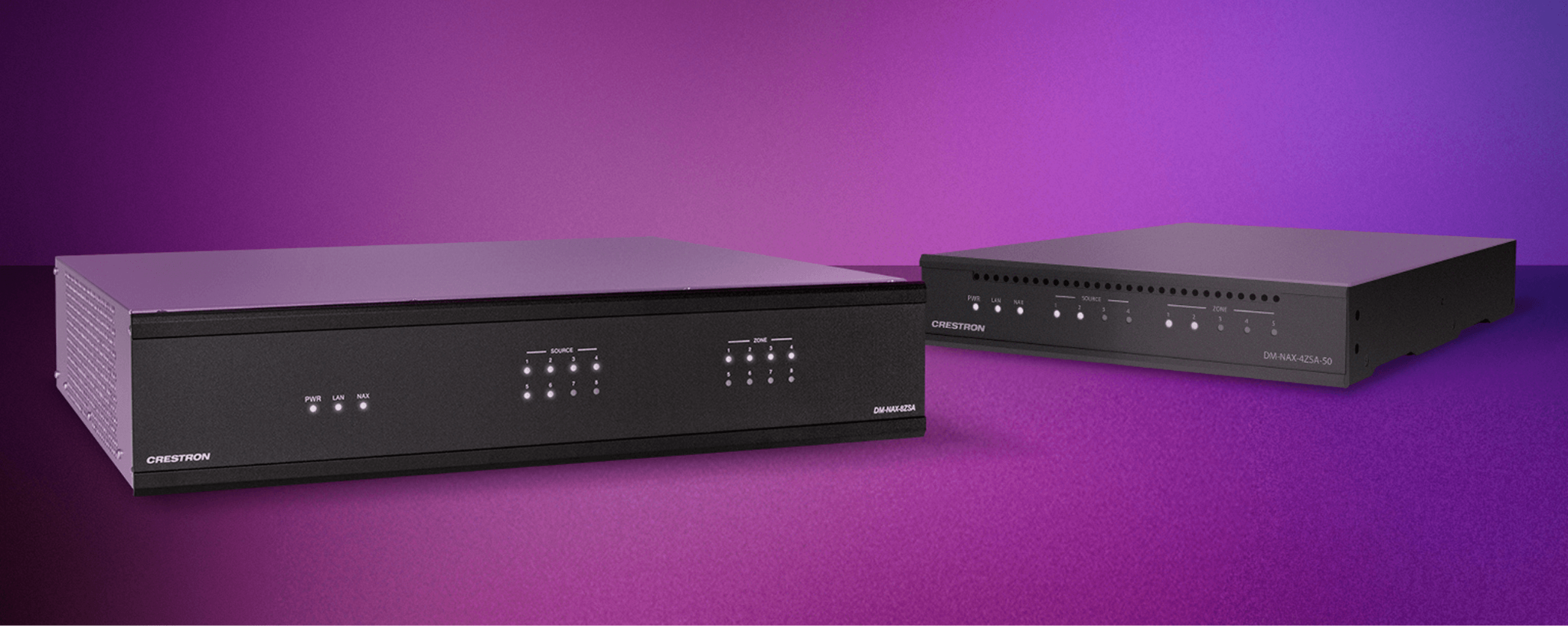
The DM-NAX-8ZSA, for example, provides eight amplified stereo zones, each with a dedicated streaming player. The platform uses AES67 and supports interoperability with compatible third-party equipment, including Dante devices operating through AES67 compatibility. These are existing platform capabilities, distinct from the new firmware features.
That architecture makes the network part of the audio design. Equipment selection should account for both the listening experience and how the system will be operated and maintained.
What Changes in Firmware 3.2?
Crestron’s August 28, 2026 announcement identifies the DM-NAX-8ZSA, DM-NAX-4ZSP, and DM-NAX-4ZSA-50 as supported models. Its principal updates are:
| Update | What Crestron announced |
| VLAN tagging | Assign streaming zones and selected traffic to virtual network segments. |
| AirPlay access codes | Require a code to connect to protected AirPlay casting zones. |
| Media Player 2.0 API | Expand custom-programming access to media-player features; the article identifies branch-firmware support for the 8ZSA and 4ZSA-50. |
| Native SoundMachine integration | Support advanced features including content scheduling by zone, time, and day. |
| Expanded 4ZSP capacity | Increase zone capacity from four to eight in custom systems only. |
Crestron lists the release as available through applicable firmware-management tools or Crestron Home OS. Feature applicability should be checked against the exact hardware, firmware branch, and control environment

For commercial projects, our recommendation is to define access before designing the interface.
Consider a property with a public lounge and a private event suite. The project brief should establish whether visitors can select audio, whether staff retain an override, and what happens when the event ends. Naming a zone clearly is useful, but the commissioning process should also verify that each user can reach only the intended destinations.
This calls for coordination between the AV integrator, IT team, and operator. A practical acceptance test should use the actual guest and staff connection methods, including attempts to select destinations outside each user’s intended area.
The access policy, network configuration, and user interface should be tested together before the system is handed over.
Make Background Music Part of the Operating Schedule
SoundMachine’s business platform supports curated stations, playlist imports, mixes, and scheduled content. Its Crestron integration also provides playback controls and multiple streaming sessions. Subscription selection remains part of the project scope.
For a hospitality project, a useful planning exercise is to map the daily operating schedule before choosing playlists. A breakfast area might need a different atmosphere from an evening lounge. An event space may need a separate program altogether.
Crestron’s earlier explanation of SoundMachine describes different content playing across hotel areas and schedules that change throughout the day. The service therefore predates firmware 3.2; the new announcement concerns its native API integration and advanced-feature support.
The operational goal should be a repeatable experience across shifts. Assign someone responsibility for the music policy, document exceptions, and decide how temporary changes return to normal operation.
Check the Audio Path Before Expanding Zones
The 4ZSP capacity change deserves careful interpretation. It applies specifically to custom systems.
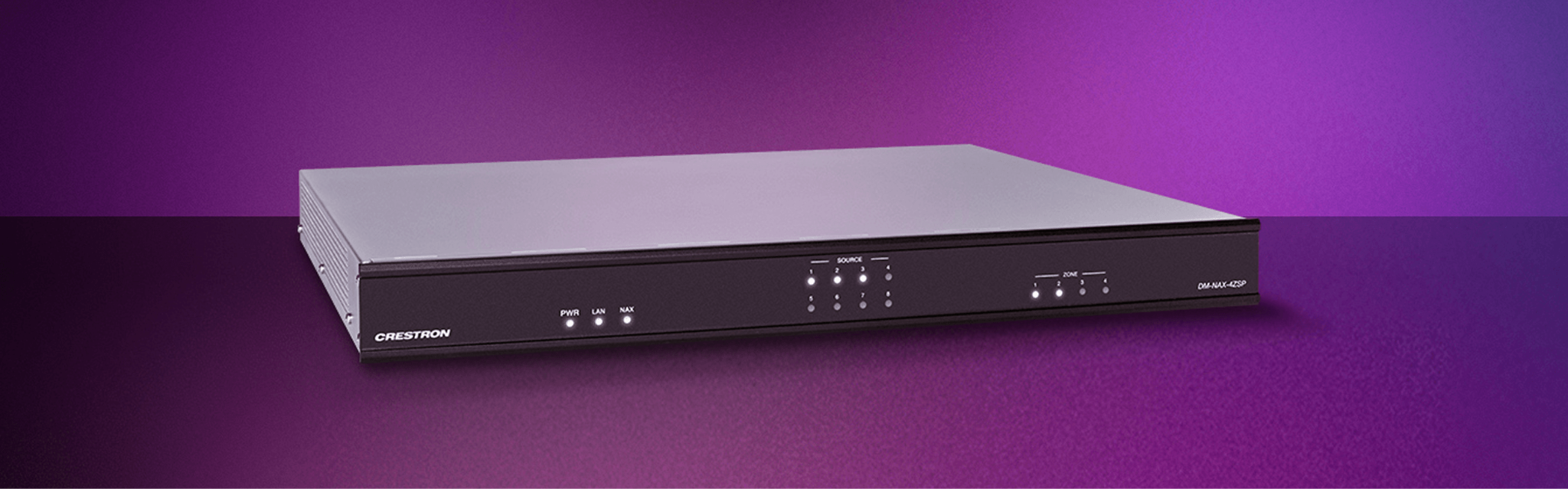
The DM-NAX-4ZSP is a preamplifier. Its physical specification lists four stereo line-level outputs, and it can distribute audio to compatible network endpoints. Additional logical capacity does not create additional output connectors or speaker amplification.
For an expansion project, trace each proposed zone from its source to its speakers. Identify the receiving equipment, amplification, cabling, controls, and commissioning work required. This establishes which existing components can be retained and where additional equipment is necessary.
A firmware capability can influence the design, but the complete signal path determines whether the planned space will work.
Design Controls Around Staff Responsibilities
For a custom interface, begin with the decisions the operator actually makes.
A receptionist may need a small set of approved sources and a volume adjustment. An event manager may need to select audio for several rooms. Technical staff may require configuration access that everyday users never see.
Write those workflows into the project brief. Review zone names with the people who use the building, test routine tasks, and document how staff recover from an incorrect selection. The success measure is whether an employee can complete the intended task confidently during a busy shift.
Plan the Update as a System Change
Before deployment, record the installed models, firmware versions, configuration, and control-program dependencies. Confirm the applicable release notes and establish a recovery approach with the integrator.
Use a maintenance window and validate the system afterward. Testing should cover ordinary playback, source selection, zone routing, casting access, scheduled content, and existing control functions. Any connected paging behavior should also be checked where it forms part of the installation.
Documenting the results gives the support team a clear baseline for future troubleshooting and changes.
How BCS Consultants Can Help
BCS Consultants brings together AV design, infrastructure planning, and Crestron control integration. Its approach to room control includes evaluating existing equipment, maintaining compatible programming, and providing documentation for future changes. Learn about BCS’s Crestron integration approach.
For a DM NAX project, the consultation should connect the requested features to the building’s audio zones, network requirements, staff workflows, and expansion plans. That gives the organization a defined scope for configuration, programming, installation, and testing.
Contact BCS Consultants to discuss your distributed audio system and whether the DM NAX 3.2 update supports your next improvement.

You must be logged in to post a comment.