
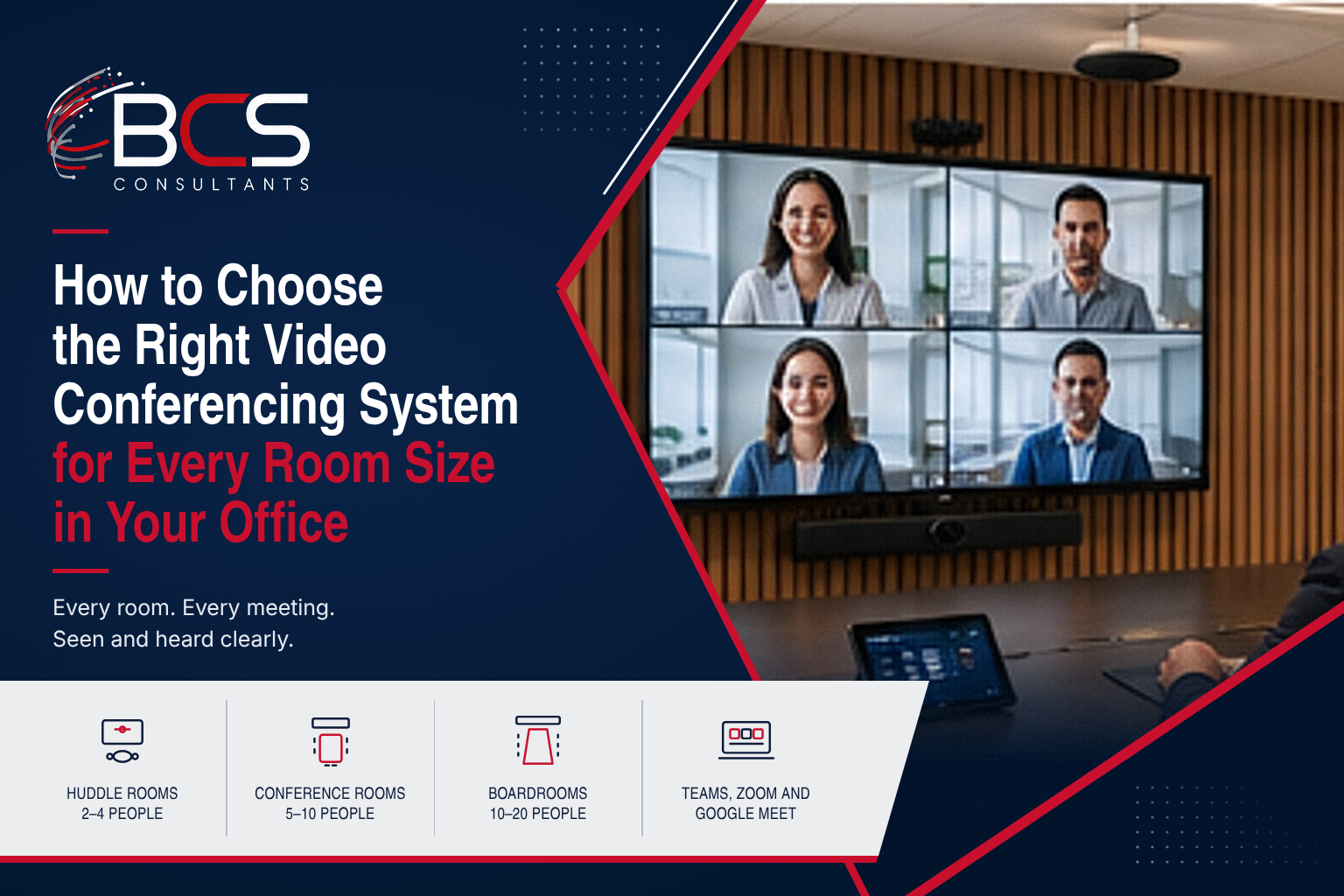
The worst investment a business can make in collaboration technology is buying the same video conferencing system for every room. A bar-style all-in-one that works perfectly in a 4-person huddle room will produce a disastrous experience in a 20-person conference room. An enterprise PTZ camera configuration designed for a boardroom is overkill in a small meeting space.
BCS Consultants designs and installs video conferencing rooms for all major platforms — Microsoft Teams Rooms, Zoom Rooms, and Google Meet — for commercial clients across Southern California and nationally. This guide provides a room-by-room framework for choosing the right video conferencing system for each space type in your office.
Huddle Rooms (2–4 People)
The defining characteristic of a huddle room is its small size — typically 100 to 200 square feet with a small table and 2 to 4 seats. The camera needs a wide field of view to capture all participants at close range. The audio needs to capture voices clearly without a separate microphone array.
Best fit: All-in-one video bars (Poly Studio, Logitech Rally Bar Mini, Neat Bar) that combine camera, microphone array, and speaker in a single unit. These connect via USB to a laptop or to a dedicated Teams Rooms or Zoom Rooms appliance. No separate components required.
What to avoid: PTZ cameras in huddle rooms — they are oversized, more expensive, and the zoom/pan features are unnecessary in a 10-foot-wide room.
Mid-Size Conference Rooms (5–10 People)
At 5 to 10 participants, all-in-one bars may struggle with coverage — particularly if the room is longer than it is wide, or if participants sit along the sides of a long conference table. Audio coverage also becomes more critical as the table length increases.
Best fit: A dedicated camera (fixed or AI-framing, such as the Huddly IQ or Logitech MeetUp in mid-range, or Poly Studio E50 for more demanding rooms) paired with a tabletop microphone array (Biamp Parle, Shure MXA310) and a ceiling-mounted or bar speaker system. For Microsoft Teams Rooms or Zoom Rooms deployments, a dedicated appliance (Poly Studio X or Logitech Tap) provides the room controller experience.
Large Conference Rooms and Boardrooms (10–20 People)
Large conference rooms and boardrooms require enterprise-grade components. Camera coverage of a room accommodating 10 to 20 people around a large table requires either a PTZ camera (pan-tilt-zoom, remotely controlled to follow the active speaker) or multiple fixed cameras with an automatic switching system.
Audio coverage of a large room requires ceiling microphones (Shure MXA910, Biamp Tesira, QSC systems) or a distributed table microphone array. A single tabletop microphone will not adequately cover a 25-foot conference table. Speakers should be mounted in the ceiling or on the walls for even distribution. Dual displays are standard — one for content sharing, one for remote participant video.
Best fit: Poly EagleEye Director or PTZ-4K cameras, Microsoft Teams Rooms with Crestron or Poly hardware, Logitech Rally Plus system, or a custom-integrated solution designed by BCS Consultants — a certified AV integrator.
Training Rooms and Auditoriums
Training rooms and auditoriums have unique requirements: large audiences, presenter-focused camera tracking, distributed speaker systems for even audio coverage throughout the space, and often a requirement for recording and streaming in addition to video conferencing. These spaces require custom AV design by a certified integrator and are not appropriately served by off-the-shelf room systems. BCS Consultants has designed training rooms and lecture halls for universities, corporate campuses, and government facilities.
The Platform Question: Teams Rooms, Zoom Rooms, Google Meet
The choice of video conferencing platform affects which hardware is compatible. Microsoft Teams Rooms requires Teams Rooms-certified hardware. Zoom Rooms requires Zoom Rooms-certified hardware. Most enterprise hardware platforms (Crestron, Poly, Logitech) offer hardware certified for multiple platforms, but the room appliance is typically platform-specific. BCS Consultants designs video conferencing rooms for all major platforms and advises on the hardware configuration that provides the best experience for your specific platform and room dimensions.
A 5-Step Framework for Choosing the Right System
- Step 1 — Measure the room: length, width, ceiling height, and table dimensions.
- Step 2 — Count maximum occupancy and typical occupancy.
- Step 3 — Choose camera type: fixed wide-angle (huddle/small), AI-framing (mid-size), PTZ or multi-camera (large/boardroom).
- Step 4 — Choose audio configuration: all-in-one bar (huddle), tabletop array (mid-size), ceiling mic array (large).
- Step 5 — Match to platform: confirm camera, room appliance, and speaker are certified for your video conferencing platform.
5 Common Conference Room AV Mistakes and How to Avoid Them
After designing and installing conference room AV systems for hundreds of commercial clients, BCS Consultants has seen the same mistakes repeat across organizations of every size. These mistakes are preventable — and avoiding them dramatically improves the ROI of a conference room AV investment.
Mistake 1: Choosing a Video Bar for a Room It Cannot Cover
Video bars — all-in-one camera, microphone, and speaker units — are excellent for huddle rooms up to about 6 people in a compact space. In a larger room, particularly one with a long conference table, the camera field of view does not cover all participants and the microphone array does not adequately capture voices at the far end of the table. Always verify the camera horizontal field of view and the microphone pickup range against your specific room dimensions before specifying a video bar for any room larger than a huddle space.
Mistake 2: Placing Microphones Where They Cannot Pick Up Speech
Tabletop microphone arrays placed at the center of a long conference table miss speakers at the ends. Ceiling microphone arrays placed outside the beamforming coverage zone similarly fail. Microphone placement requires modeling the specific unit polar pattern against the room layout — not just centering the microphone on the table and hoping for the best. BCS Consultants models microphone coverage as part of every room design to verify that all seats are covered before installation begins.
Mistake 3: Specifying Non-Certified Hardware for a Dedicated Platform
Microsoft Teams Rooms and Zoom Rooms each maintain certified hardware lists. Using non-certified cameras, room appliances, or touch controllers with a certified platform results in reduced functionality, missing features, and support complications. BCS Consultants specifies only certified hardware configurations for Teams Rooms and Zoom Rooms deployments to ensure full platform functionality and manufacturer support.
Mistake 4: No Plan for User Adoption
The most capable conference room system fails if users do not know how to use it or if there is no clear path to get help when something does not work. BCS Consultants provides end-user training, quick-reference cards, and ongoing support for all conference room installations. A one-page How to Start a Meeting guide posted in each room dramatically reduces support calls and ensures the investment is used to its full capability.
Frequently Asked Questions
What is the best video conferencing system for a small meeting room?
For rooms accommodating 2 to 4 people, an all-in-one video bar — Logitech Rally Bar Mini, Poly Studio, or Neat Bar — provides the best combination of simplicity, image quality, and audio coverage. These units connect via USB to a laptop or a dedicated room system appliance.
Do I need a separate camera and microphone for my conference room?
For rooms up to 6 people in a compact space, an all-in-one bar is typically sufficient. For rooms larger than 200 square feet or with more than 6 participants, separate camera and microphone components provide better coverage and audio quality than all-in-one solutions.
How do I connect a conference room system to Microsoft Teams?
Microsoft Teams Rooms requires a Teams Rooms-certified room appliance (Crestron Flex, Poly Studio X, Logitech Tap) connected to a Teams Rooms-certified display, camera, and audio system. BCS Consultants configures and deploys Teams Rooms systems and provides ongoing support.
What equipment do I need for a boardroom video conference setup?
A complete boardroom video conferencing system typically includes: a PTZ or multi-camera system, ceiling or distributed microphone array, ceiling or wall-mounted speakers, dual displays (content + video), a room controller, and a cable management and control system. Custom integration by BCS Consultants is recommended.
Design Your Conference Rooms With BCS Consultants
BCS Consultants designs and installs video conferencing solutions for every room type from huddle rooms to executive boardrooms across Southern California and nationally. Our certified AV specialists assess your space, recommend the right equipment mix, and handle full installation and programming.
→ Design Your Conference Rooms: https://www.bcsconsultants.com/solutions/video-conferencing/conference-room-solution/
📞 Talk to a BCS Consultants Specialist: https://www.bcsconsultants.com/contact/contact-us/