
Every organization with shared conference rooms has experienced the same frustrations: walking up to a room that is shown as available on the calendar and finding it occupied. Booking a room for an important meeting and arriving to find someone else's meeting running over. Rooms that are blocked on the calendar for meetings that were cancelled but never updated. Ghost occupancy from back-to-back meetings where the first group does not clear the room in time.
These are not minor inconveniences. Unmanaged conference room booking creates real productivity losses, creates friction before meetings that should be starting on time, and means that meeting rooms — expensive corporate real estate — are underutilized because organizations cannot trust the booking data they see.
Conference room scheduling systems solve these problems systematically. This guide explains how they work and what a professional installation looks like.
What a Conference Room Scheduling System Does
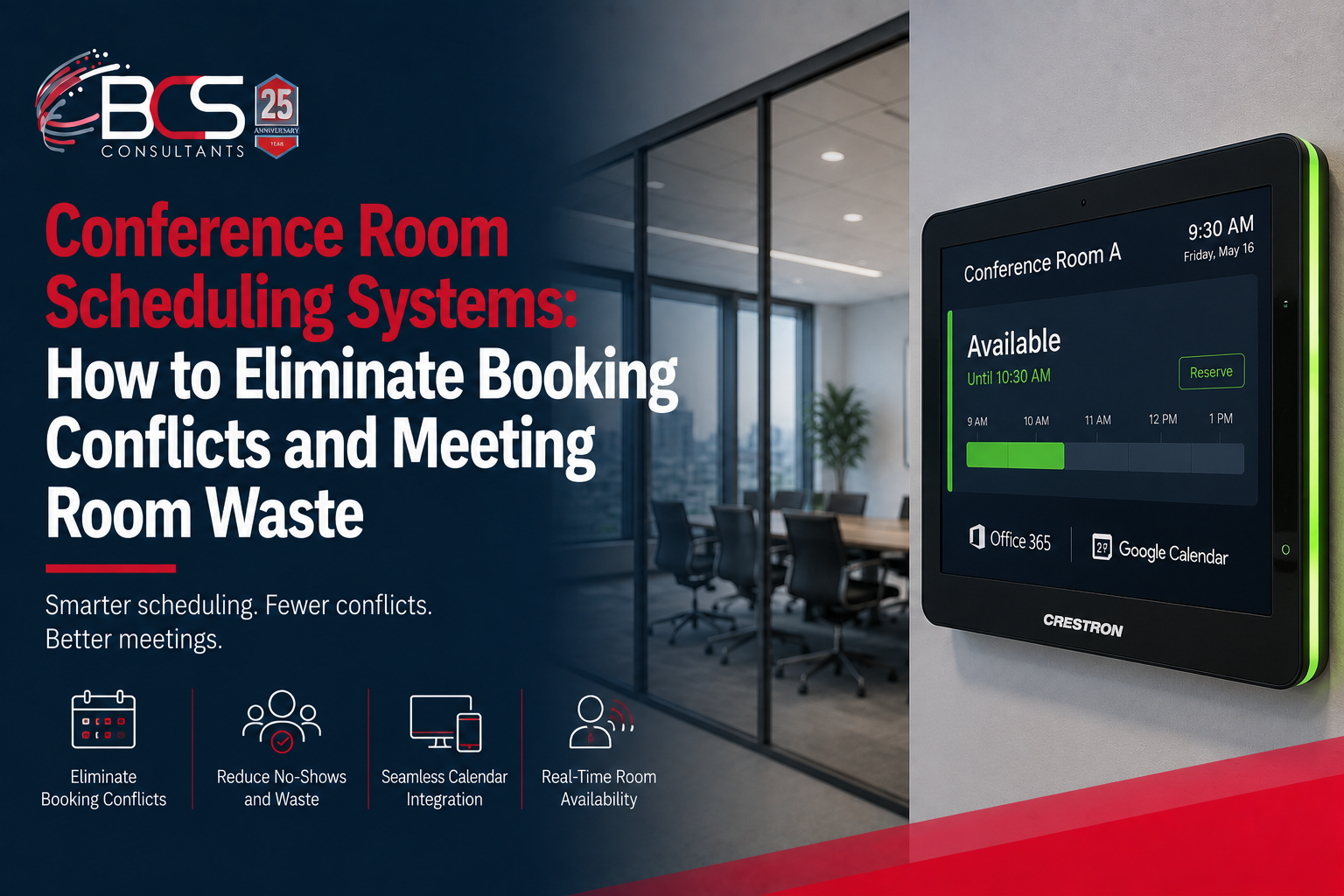
A conference room scheduling system consists of a touchscreen panel mounted outside the conference room door, integrated with your organization's calendar platform, and connected to the room's AV and automation systems.
The scheduling panel shows the room's current status — available or occupied — at a glance, typically using color-coded LED indicators visible from down the corridor. Green means the room is available. Red means it is booked and in use. The panel also shows the meeting title (or just "Meeting" for privacy-configured installations), the scheduled start and end time, and the name of upcoming meetings later in the day.
The integration with your calendar platform — Microsoft Exchange, Office 365, or Google Calendar — means that the panel always reflects the current booking state without requiring manual updates. When someone books the room in Outlook, it appears as occupied on the panel in real time. When a meeting is cancelled in the calendar, the panel updates immediately.
Solving Ghost Meetings with Occupancy Detection
Ghost meetings — rooms that are booked but empty because the meeting was cancelled informally, moved to a different room, or simply did not happen — are one of the biggest sources of wasted conference room capacity in large organizations.
Scheduling systems integrated with occupancy sensors address this directly. When a room is booked but no occupant has been detected by the occupancy sensor for a configured period after the meeting start time — typically five to fifteen minutes — the scheduling panel can display a prompt asking whether the meeting is still happening. If no one confirms the booking from the panel, the system automatically releases the room and updates the calendar, making the room available for others to book.
This feature can recover significant meeting room capacity in organizations where ghost meetings are common — freeing up rooms that would otherwise show as unavailable for the next booked meeting even though no one is using them.
Ad-Hoc Room Booking from the Panel
When a room is shown as available, the scheduling panel allows any authorized user to book it on the spot for immediate use — without returning to their desk or device to create a calendar event. The ad-hoc booking is created in the calendar system automatically, updating the room's availability for other users in real time.
This feature addresses the common scenario where an impromptu meeting needs a physical space immediately. Instead of occupying a room informally and blocking others who may be looking for it, the ad-hoc booking creates a proper calendar record that accurately reflects the room's actual availability.
Integration with Room AV and Automation
When a scheduling system is integrated with the room's AV and automation systems — as it is in a BCS Consultant Crestron installation — the scheduling panel becomes the trigger for the room's meeting preparation sequence.
When a meeting begins and a participant touches the start button on the panel, the room can automatically power on the displays, set the lighting to meeting mode, close the window shades, wake the video conferencing codec, and connect to the calendar meeting — all from a single touch, without the participant interacting with any other control in the room.
When the meeting ends, the same integration powers down the displays, returns the lighting to standby, opens the shades, and releases the room for its next booking — all automatically, without any action from the departing participants.
Calendar Platform Integration
BCS Crestron scheduling installations integrate with the three major calendar platforms used in commercial organizations. Microsoft Exchange and Office 365 are the most common enterprise platform — Crestron's Exchange and O365 integration is native and supports all standard booking and availability features. Google Calendar integration is available for organizations on Google Workspace. For organizations using dedicated room booking platforms — Robin, Teem, or EMS — Crestron supports integration through their published APIs.
The integration requires standard calendar administrative permissions and, in Exchange and O365 environments, a service account with appropriate access to the room calendar objects. BCS handles the integration configuration as part of every installation.
Frequently Asked Questions
Do we need a scheduling panel on every room, or can we start with a few?
Scheduling panels can be deployed selectively — on the highest-demand rooms first, then expanded to additional rooms over time. Crestron's management platform supports any number of scheduling panels within a single organization, making incremental deployment straightforward.
Can employees book rooms from the scheduling panel without using the Outlook calendar?
Yes. Ad-hoc bookings made at the scheduling panel are automatically reflected in the Outlook calendar, creating a proper booking record. Employees do not need to open Outlook separately — the panel handles the calendar interaction automatically.
What data does a room scheduling and occupancy system provide?
Crestron's scheduling platform provides utilization reports showing how frequently each room is used, average meeting length, no-show rates, and the time periods when demand is highest. This data is valuable for facilities planning decisions about room count, room sizing, and policies around meeting duration and booking lead times.
