
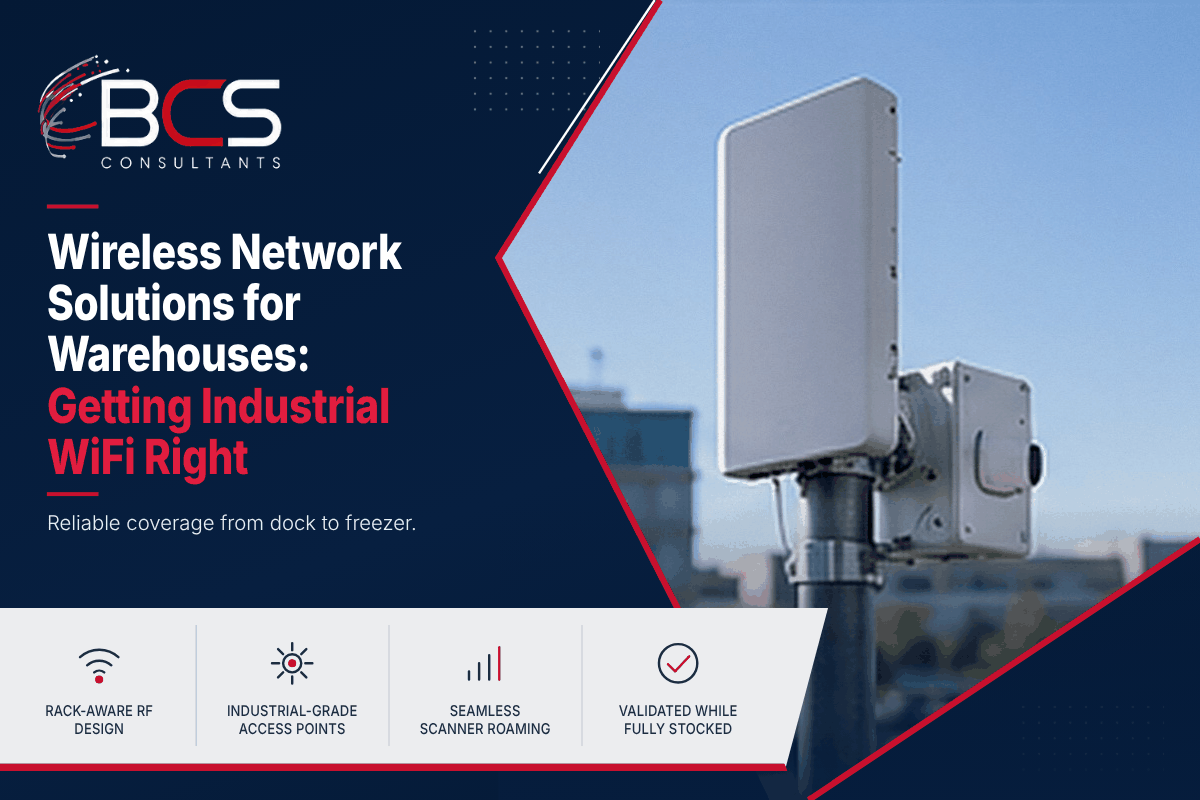
Industrial wireless deployments are not office wireless deployments at larger scale. The RF environment of a warehouse or distribution center is fundamentally different from an office floor, and the applications running on warehouse wireless have performance requirements — particularly for real-time inventory management, voice-directed picking, and barcode scanning — that are unforgiving of the intermittent connectivity issues that are merely inconvenient in an office environment.
This guide to wireless network solutions for warehouses explains what makes warehouse wireless technically distinct from office wireless, how BCS Consultants approaches industrial wireless design, and what the right hardware and configuration looks like for distribution center environments.
The Warehouse RF Challenge
In a standard office environment, the primary RF obstacles are drywall partitions, glass, and people — all of which attenuate radio signals at levels that modern enterprise access points handle easily. Office wireless design is primarily a coverage and capacity problem, solved through predictive modeling and appropriate AP placement.
In a warehouse or distribution center, the RF challenges are categorically different.
Metal racking and shelving: Dense metal shelving creates a Faraday cage effect that blocks RF signals traveling through and around it. An access point mounted at ceiling height above a bay of twelve-foot metal shelving will provide excellent coverage in the aisle directly below it and very poor coverage in the adjacent aisles behind the shelving. The predictive models used for office wireless design significantly underestimate attenuation from metal shelving and require specific calibration for warehouse environments.
High ceilings: Distribution center ceilings typically range from twenty-five to forty feet or higher. Ceiling-mounted access points at that height have a large horizontal coverage footprint but very low signal strength at floor level for devices in motion — particularly for low-antenna handheld scanners and voice-directed picking headsets that may be partly shielded by the operator's body. BCS Consultants evaluates mid-height mounting — on shelving uprights, overhead structural beams, or dedicated mounting brackets at twelve to fifteen feet — as an alternative to ceiling mounting for warehouse applications.
Forklift and racking movement: In distribution centers with dynamic racking configurations or frequent forklift traffic, the RF environment changes throughout the operating day. A post-deployment validation survey performed when the facility is fully stocked provides a different picture than one performed when aisles are empty. BCS Consultants conducts validation surveys during normal operating conditions to capture the actual RF environment the system will function in.
Legacy wireless device protocols: Older warehouse management system (WMS) terminals and handheld barcode scanners may use older wireless protocols — 802.11b/g — or vendor-specific wireless profiles that require specific AP configuration to ensure compatibility. Deploying modern Wi-Fi 6 access points without verifying compatibility with legacy devices in the environment is a common cause of warehouse wireless failures.
Application Requirements: What Warehouse Wireless Must Support
Barcode scanning and WMS terminals: The primary application in most distribution centers. Requires reliable connectivity throughout all active picking aisles, low enough latency that scan results are acknowledged without perceptible delay, and seamless roaming between access points as pickers move through the facility.
Voice-directed picking: Voice-directed picking systems — where a WMS talks to an operator through a headset and receives voice commands for confirmation — require very low latency and very high packet delivery reliability. Dropped packets that cause audio dropouts directly affect picking accuracy and operator safety.
Conveyor monitoring and control: Industrial IoT devices monitoring conveyor belt performance, temperature sensors, and automated equipment controllers need reliable connectivity from fixed positions throughout the facility.
Mobile office applications: Supervisors and managers using tablets or laptops in the warehouse environment for management applications, video calling, and document access need performance comparable to office wireless environments.
Hardware Selection for Industrial Wireless
Cisco Meraki MR86: A common outdoor and industrial-grade access point choice for warehouse and distribution center deployments. The MR86 is IP67-rated for dust and water resistance, has a wide operating temperature range that suits many refrigerated distribution environments, and supports Wi-Fi 6 with the performance needed for high-density scanning environments. It is appropriate for ceiling mounting in climate-controlled warehouses and can be used in refrigerated and freezer environments with appropriate mounting solutions.
Aruba AP-577: The Aruba alternative for industrial wireless, comparable to the MR86 in weather resistance and performance, and preferred in environments where Aruba's ClearPass policy framework or existing Aruba infrastructure makes it the natural platform choice.
Industrial-grade mounting hardware: Standard office AP mounting brackets are not appropriate for warehouse environments. Vibration from forklifts, temperature cycling in refrigerated areas, and the physical environment of an active distribution center require mounting hardware designed for industrial use. BCS Consultants specifies and installs mounting solutions appropriate for each installation location.
The Warehouse Wireless Design Process
A warehouse wireless project begins with a site assessment that covers the physical dimensions of the facility, ceiling height, racking configuration and height, the types and models of wireless devices to be supported, and the WMS platform and its wireless requirements.
The predictive design uses Ekahau with custom attenuation profiles for the specific racking and floor types in the facility. Post-installation validation is conducted during active operations to verify that the deployed system performs correctly in the actual operational RF environment.
Capacity Planning and Security for Warehouse WiFi
Coverage is only half the design. Device density, scanner traffic, voice picking, and any camera or IoT traffic share the same spectrum, so capacity planning counts devices per access point and plans channel use accordingly. Older handheld terminals may not support the newest security settings, so legacy devices are often placed on their own SSID and VLAN with the strongest security they can support, while modern devices use stronger authentication such as 802.1X.
Monitoring should continue after launch. Seasonal peaks, racking changes, and new devices all change the RF environment, so periodic validation surveys and a review of controller metrics help keep performance consistent through the busiest weeks of the year.
Common Warehouse WiFi Mistakes
The most common mistake is reusing an office design in a warehouse. Access points mounted high in the ceiling, with no allowance for shelving, produce a heat map that looks good on paper and fails in the aisles. Other frequent errors include surveying an empty building, ignoring the limits of legacy scanners, and using the same channel plan in every zone, which creates interference.
Another mistake is not planning for the physical environment. Dust, vibration, temperature changes, and forklift impact all affect access points and cabling. Choosing industrial-rated hardware, protective mounting, and a clear maintenance schedule keeps the network available through its service life.
Working with Warehouse Operations Teams
The best warehouse wireless projects are planned with operations staff. They know where scanners lose connection, which aisles are busiest, and when the facility cannot be disrupted. BCS Consultants asks for this information at the start, schedules work around shifts and peak periods, and reports results in operational terms such as scan failures and roaming interruptions rather than only in technical metrics.
Frequently Asked Questions
Do I need a different AP for refrigerated warehouse areas?
Yes. Standard commercial access points are not rated for the temperature extremes of refrigerated and freezer storage areas. Cisco Meraki and Aruba both offer access points rated for low-temperature operation. BCS Consultants specifies the appropriate AP for each area of the facility based on the operating temperature.
Can we reuse our existing wireless infrastructure in a new warehouse building?
It depends on the age and condition of the existing equipment, the type of equipment, and whether it was designed for the industrial environment. BCS Consultants evaluates existing wireless infrastructure as part of the site assessment and advises on what can be reused and what needs to be replaced.
How does warehouse wireless handle the seams between AP coverage zones when a picker is moving through aisles?
802.11 roaming — the handoff from one access point to another as a client device moves through the facility — is a critical performance parameter for moving warehouse workers. BCS Consultants configures RSSI-based roaming thresholds, band steering, and fast BSS transition (802.11r) to optimize roaming performance for mobile devices in industrial environments.
How many access points does a warehouse need?
There is no standard number, because racking, ceiling height, device types, and applications all affect the design. A predictive model is built first, then verified by an on-site survey. A warehouse that appears to need fewer access points on paper often needs more at mid-height to cover aisles. BCS Consultants confirms the count with measurements instead of a formula.
Can warehouse wireless support voice picking and cameras at the same time?
Yes, if capacity is planned for both. Voice picking needs low latency and reliable delivery, while cameras need steady bandwidth. They are usually placed on separate VLANs with quality-of-service rules, and wired connections are used for cameras wherever practical to preserve wireless capacity for mobile devices.
Ready to get started? Get a warehouse wireless assessment from BCS Consultants · bcsconsultants.com/contact/contact-us/