
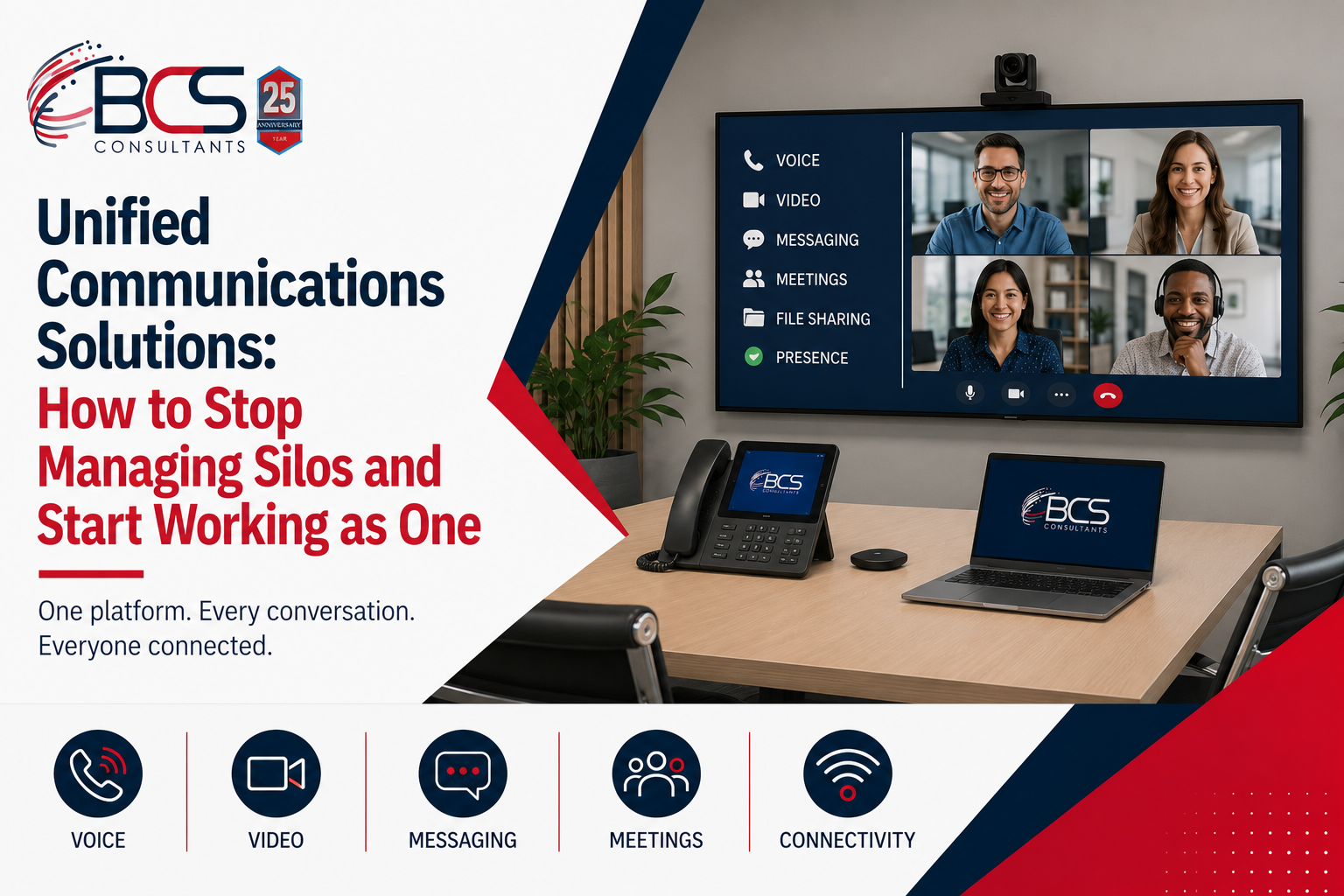
Most organizations did not choose to build siloed communications infrastructure — it accumulated. A phone system was installed when the office opened. A video conferencing platform was added when remote work became common. An instant messaging tool was adopted when the team needed something faster than email. A room booking system was purchased to solve the conference room double-booking problem. Each solved a real problem in isolation; together they created an environment where switching between tools is itself a source of friction, where the IT team maintains multiple vendor relationships and contracts, and where new employees face a needlessly complex technology onboarding experience.
Unified communications solutions address this complexity at the platform level. This guide explains what a unified communications approach actually includes, what the physical infrastructure requirements look like, and how BCS helps organizations implement it.
What Unified Communications Means in Practice
Unified communications (UC) is the integration of real-time communication capabilities — voice calling, video meetings, instant messaging, presence, and file sharing — into a single platform that provides a consistent experience across devices and locations.
For a user, this means: starting a conversation as a chat, escalating it to a voice call, adding video and screen sharing, and sharing a document — all within the same application, without switching tools, logging in again, or losing the thread of the conversation. For an IT team, this means: one platform to manage, one vendor relationship for the core communications capability, and one management console that shows the health and usage of the entire communications environment.
The most widely deployed enterprise UC platform today is Microsoft Teams, which integrates calling, meetings, messaging, file sharing, and app integrations within the Microsoft 365 ecosystem. Cisco Webex, Zoom, and Google Workspace offer comparable capabilities with different strengths and ecosystem fit.
The Components of a Unified Communications Solution
Cloud-Based Voice (UCaaS)
Cloud-based voice delivery — UCaaS — replaces the on-premise PBX phone system with calling capability delivered through the same platform used for video meetings and messaging. Microsoft Teams Phone, Cisco Calling, and Zoom Phone provide business phone service through the cloud, with calls made and received from the same Teams, Webex, or Zoom application on any device.
The operational shift from a PBX to UCaaS is significant. Call routing, voicemail, auto-attendant, and user provisioning that previously required a telephony specialist and a dedicated management interface are handled through the same admin console as meetings and messaging. New users are provisioned with a phone number, a voicemail box, and a softphone client in the time it takes to add them to the platform — no hardware provisioning required.
Certified Conference Room Systems
The video meeting capability of a UC platform is only as effective as the hardware in the physical rooms where meetings happen. Microsoft Teams Rooms (MTR) certified hardware, Zoom Rooms certified hardware, and Cisco room systems bring the UC platform experience into the conference room — one-touch meeting join from the room's calendar, professional camera and audio coverage for every room type, and centralized management through the same admin console as the rest of the UC platform.
When every conference room in the organization runs certified hardware on the same platform as users' desktop and mobile clients, the meeting experience is consistent regardless of where in the organization it happens — and IT manages all of it from one place.
Messaging and Presence
Instant messaging with presence awareness — the ability to see whether a colleague is available, in a meeting, on a call, or focused — reduces the friction of finding the right communication channel for a given situation. When a brief question can be answered by a message to someone who is shown as available, neither party needs to interrupt their work for a scheduled call or wait for an email response.
Integration with business applications extends the value of the messaging layer: notifications from CRM, project management, and HR systems delivered in the messaging interface, with the ability to act on them without switching applications.
The Physical Infrastructure That Makes UC Work
Unified communications platforms are software-defined, but they run on physical infrastructure — and the quality of that infrastructure determines whether the platform delivers its promised experience.
Network quality is the most critical factor. Voice and video are real-time applications sensitive to latency, jitter, and packet loss in ways that email and file transfers are not. A network that performs adequately for web browsing may deliver poor UC performance. Quality of Service configuration that prioritizes voice and video packets is essential in any network carrying UC traffic. BCS configures QoS as a standard part of every UC infrastructure project.
Structured cabling quality affects every endpoint. A cabling plant with marginal performance creates intermittent connectivity issues that are difficult to diagnose and reproduce. Every connection in a UC environment — from network core to workstation, wireless access point, conference room codec, and IP phone — should meet the certified performance standard for its cable category.
Wireless infrastructure affects every mobile and flexible-desk user. Enterprise-grade access points sized and placed based on a predictive survey provide the capacity and performance that UC applications require for the full roster of user devices in a modern office.
Conference room hardware — cameras, microphones, displays, and certified codecs — determines the meeting experience for in-room participants and for the remote participants joining their sessions. A Teams Phone license without professionally installed room hardware produces an unsatisfying experience for everyone involved.
Why BCS Is the Right UC Infrastructure Partner
Most UC implementations focus on the software platform — licensing, configuration, user adoption. The physical infrastructure is treated as a separate problem for a different team to solve. This separation is where UC projects fail to deliver their full value: the platform works on paper, but the meeting rooms feel like an afterthought, the wireless coverage is inconsistent, and the cabling infrastructure creates intermittent issues that are difficult to trace.
BCS Consultants handles every layer of the physical infrastructure that UC depends on: structured cabling to TIA-568 standards, enterprise wireless to the coverage and capacity plan, certified conference room systems from the codec to the control panel, and network configuration including QoS settings for voice and video traffic — all as a single integrated project.
This means one design that accounts for all the interdependencies, one installation team that understands how the layers relate to each other, and one point of accountability when something needs to be resolved.
Frequently Asked Questions
Do I need to replace my phone system to implement unified communications?
Not necessarily all at once. Many organizations migrate to UC platforms in phases — beginning with video and messaging while maintaining existing voice infrastructure, then migrating voice when the timing is right. BCS can advise on a migration path that minimizes disruption and aligns with your existing contract and refresh cycles.
How does BCS coordinate with our IT team on a UC infrastructure project?
BCS works alongside internal IT teams on every project. We coordinate network architecture and VLAN design with your network team, provide equipment specifications for IT review, document all configurations, and hand off every installed system to your IT team with full documentation and training. We are an extension of the IT team on the project, not a replacement for it.
What is the difference between UCaaS and a traditional hosted VoIP service?
Hosted VoIP services provide cloud-based phone calls — voice only. UCaaS integrates voice with video meetings, instant messaging, presence, and typically collaboration features like file sharing and app integrations. The user interacts with a single application for all real-time communication rather than separate tools for each channel.
