
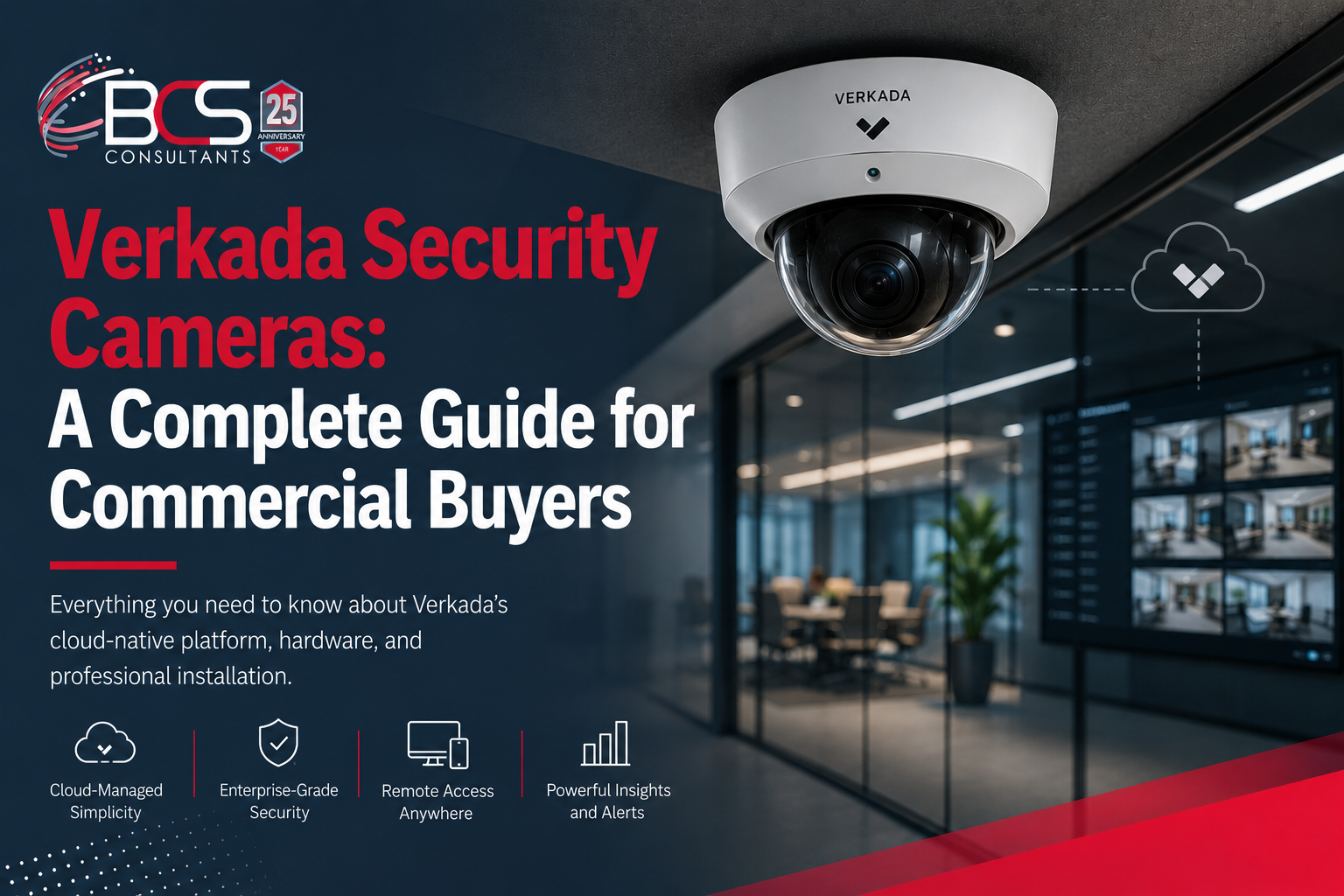
Verkada has grown from a startup to one of the most significant platforms in commercial physical security in a short period of time, and the reason is straightforward: it eliminated the infrastructure complexity that made enterprise-grade surveillance difficult to deploy and manage.
No network video recorders. No storage servers. No VPN configuration for remote access. No manual firmware updates. Cameras connect to Verkada's cloud platform over your existing internet connection, and everything else is managed from a browser or mobile app.
BCS Consultants is a certified Verkada partner. We design, deploy, and support Verkada installations for commercial organizations across Southern California and nationally. This guide covers everything a commercial buyer needs to know about the Verkada platform before making a purchase decision.
How the Verkada Platform Works
Each Verkada security camera has built-in storage — typically several days of onboard footage — and connects to Verkada Command, the cloud-based management platform, over your standard internet connection using an encrypted outbound connection. No inbound firewall ports need to be opened, eliminating the network configuration complexity and security exposure that traditional NVR-based remote access requires.
Footage is stored both on the camera and in the Verkada cloud, with retention periods configurable from thirty days to three hundred and sixty-five days depending on the subscription tier selected. All footage in transit and at rest is encrypted.
Verkada Command is the browser-based management platform where administrators view live and recorded footage, manage cameras and users, configure motion alerts, run AI-powered searches, and administer the rest of the Verkada product ecosystem including access control, alarms, and environmental sensors.
Verkada Camera Hardware
Indoor Dome Cameras
Verkada's indoor dome cameras cover the most common commercial surveillance scenario: monitoring interior spaces such as lobbies, corridors, open offices, retail floors, and common areas. Available in standard and wide-angle field-of-view configurations, dome cameras are ceiling-mounted with a low-profile aesthetic appropriate for commercial and hospitality environments. All Verkada cameras include built-in IR illumination for low-light performance.
Bullet Cameras
Bullet cameras are Verkada's option for longer-range coverage — parking lots, perimeter coverage, large outdoor areas, and building exteriors where the camera needs to focus on a specific zone at a greater distance. Bullet cameras are weatherproof and rated for outdoor installation, with an IP67 weather resistance rating. Verkada's third-generation bullet cameras include improved low-light sensors and AI analytics capabilities that were previously available only in higher-tier models.
PTZ Cameras
Pan-tilt-zoom cameras in the Verkada line allow operators to actively direct the camera to any part of a wide scene and zoom in on specific subjects. PTZ cameras are appropriate for large open areas, parking structures, campuses, and any scenario where a single fixed camera cannot cover the required field of view. Verkada PTZ cameras can be controlled manually from Command or configured with automatic patrol patterns.
Fisheye Cameras
Fisheye cameras provide three hundred and sixty-degree coverage from a single ceiling-mounted unit. Verkada's fisheye camera can replace multiple fixed cameras in open-plan environments where full spatial awareness is needed, with the Command platform providing dewarped viewing of any sector of the full spherical image.
Verkada AI Analytics
The analytics capabilities in Verkada Command are what differentiate it from traditional CCTV systems where footage exists but finding relevant events requires hours of manual review.
People Search allows investigators to find all footage across all cameras that contains a person matching a specific set of visual attributes — clothing color, hair, and other characteristics — across any time window. This reduces investigation time from hours to minutes.
Vehicle search works the same way for vehicles, with the ability to filter by vehicle type and color, and optional license plate recognition (LPR) for facilities where plate capture cameras are deployed.
Motion alerts can be configured to notify administrators when motion occurs in specific areas during specific time windows, with clip previews attached to the notification so that context is immediately available without logging into the system.
People analytics provides occupancy and foot traffic data across your facility — useful for retail space planning, building management, and security staffing decisions.
Verkada Access Control Integration
One of Verkada's most significant advantages for commercial buyers is the native integration between its camera platform and Verkada Access Control. When a door event occurs — an access granted, an access denied, a forced door, or a tailgate detection alert — the Command platform automatically associates the relevant camera footage with that event.
Security administrators reviewing an access incident do not need to manually search camera footage to find what happened — it is surfaced automatically in the access control event log. This integration is available out of the box with no custom programming, because both systems are managed within the same Verkada Command platform.
What a BCS Verkada Installation Looks Like
BCS Consultants begins every Verkada project with a coverage planning walk-through of the facility. We map every area requiring surveillance coverage, identify the right camera model for each location based on lighting conditions, required field of view, and distance to subject, and produce a camera placement plan before any hardware is ordered.
Installation covers camera mounting, low-voltage cabling to each camera location, Power over Ethernet (PoE) switch configuration if new network infrastructure is required, and enrollment of every camera in the client's Verkada Command organization. We configure motion alert zones, verify footage is recording correctly to both onboard storage and the cloud, test remote access from the client's mobile devices, and configure user accounts with appropriate permission levels before handoff.
Post-installation, BCS provides ongoing support for camera additions, coverage changes, user management assistance, and troubleshooting.
Frequently Asked Questions
Does Verkada require a monthly subscription?
Yes. Verkada cameras are sold with an initial hardware purchase and an annual software subscription per camera that covers cloud storage, platform access, AI analytics, and firmware updates. The subscription model eliminates the NVR hardware and storage management costs of traditional systems.
What happens if our internet connection goes down?
Verkada cameras continue recording to onboard storage during an internet outage. Remote access to live and recorded footage requires an active internet connection, but the cameras continue to operate and capture footage that is synchronized to the cloud when connectivity is restored.
Is Verkada NDAA compliant?
Yes. Verkada security cameras are manufactured in compliance with the National Defense Authorization Act (NDAA) Section 889 requirements, making them suitable for federal government, state government, and government-adjacent commercial applications where NDAA compliance is required.
How many cameras can a single Verkada organization manage?
Verkada Command is designed for enterprise scale — single organizations manage hundreds or thousands of cameras across multiple sites within a single platform instance. Multi-site organizations benefit from unified management, consistent configuration, and organization-wide analytics from a single login.
