
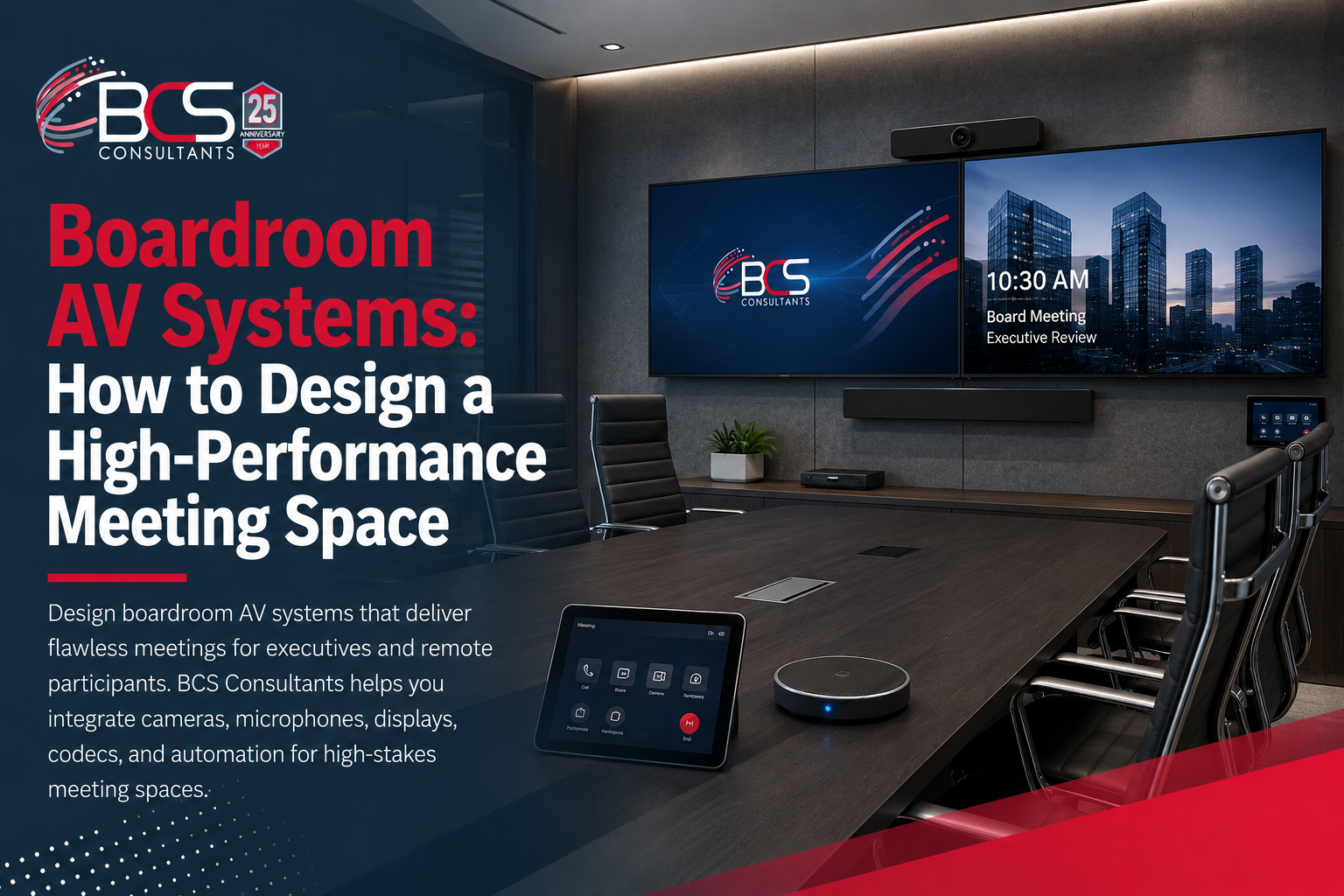
The boardroom is where your organization makes its most consequential decisions, hosts its most important clients, and presents its most visible face to the world. It is also the room where AV failures are the most costly — not in equipment terms, but in credibility. A video call that drops, a microphone that cannot pick up the voice at the end of a twenty-foot table, or a camera that makes remote participants feel like afterthoughts are all failures that reflect on the organization, not the technology.
Designing a boardroom AV system that performs consistently — for every meeting, with every combination of in-room and remote participants — requires a fundamentally different approach from specifying a conference room or a huddle space. This guide covers what that approach looks like in practice.
Why Boardrooms Need a Different AV Strategy
Standard conference room AV guidance — an all-in-one video bar, a commercial display, a one-click codec — works well for rooms of six to ten people with a consistent table configuration. Boardrooms break those assumptions in almost every dimension.
Boardroom tables are longer. A twenty-four-seat boardroom with a table that runs twenty-five feet requires camera and audio coverage at a completely different scale. A single wide-angle camera cannot capture the person at the far end of the table with enough resolution for a remote participant to see their expression. A single table speakerphone cannot pick up voices at the far end of the table without picking up just as much room noise.
Boardroom participants have different expectations. Executive-level meetings are not forgiving of technology friction. One-touch meeting start, automated camera direction, and a room environment that sets itself correctly for the meeting type are not luxuries in a boardroom — they are the baseline expectation.
Remote participants need boardroom-quality experience. When a board member participates remotely in an executive meeting, the in-room experience should not be demonstrably better than the remote experience. AI camera direction and professional-grade distributed audio are what close that gap.
Camera Systems for Boardrooms
PTZ Cameras for Primary Coverage
Pan-tilt-zoom cameras are the standard for boardroom video because they can be directed to any participant at the table with precision, covering the full length of the room at appropriate framing. PTZ cameras are typically wall-mounted at the end of the room opposite the main display, with additional cameras at the sides for rooms with complex seating arrangements.
For boardrooms where someone needs to manually direct the camera — during a formal board presentation, for example — a Crestron touch panel gives the room operator full PTZ control from a single interface.
AI Multi-Camera Direction: Crestron Automate VX
For organizations that want a broadcast-quality boardroom experience without a camera operator, Crestron Automate VX is the leading solution. Automate VX uses the room's microphone array to detect the active speaker's position and automatically directs PTZ cameras to frame that person appropriately — cutting between camera angles in real time the way a broadcast director would.
The result is that remote participants see a dynamic, engaged meeting rather than a static wide shot. The speaker at the far end of the table is framed correctly. When screen sharing begins, Automate VX automatically transitions to content view or picture-in-picture. No one in the room needs to think about camera operation.
Automate VX integrates with Crestron Flex Microsoft Teams Rooms certified hardware, allowing the complete boardroom experience — cameras, audio, displays, shades, and lighting — to be managed from a single Crestron control system.
Audio Systems for Boardrooms
Ceiling Microphone Arrays
Ceiling microphone arrays are the standard for boardrooms because they provide even coverage across the entire room without any equipment on the table surface — keeping the boardroom aesthetically clean while delivering the audio quality that a professional meeting demands.
The Shure Microflex Advance MXA920 is a ceiling array that uses steerable beam technology to focus on the talker automatically, suppressing ambient noise and the voices of non-speakers. Multiple units can be configured to cover rooms of any size. The Biamp TesiraFORTÉ audio processor is typically used as the DSP engine, providing echo cancellation, noise suppression, and signal routing to the codec.
For rooms where ceiling installation is not feasible, Shure MXA710 column microphones can be mounted on walls or conference room walls, providing directional coverage across the full table length.
Distributed Ceiling Speakers
Audio reinforcement in a boardroom — ensuring that remote participant audio is heard clearly at every seat — requires distributed ceiling speakers rather than a single soundbar or speakerphone. Distributed speakers provide even sound pressure levels throughout the room, eliminating the situation where participants near the display can hear clearly but those at the far end of the table struggle to follow the conversation.
Display Configuration for Boardrooms
The Dual-Display Standard
A single display in a boardroom forces a choice: show remote participant video, or show content. Neither option is acceptable for an executive meeting. The standard for boardrooms is dual large-format displays — one dedicated to remote participant video and one dedicated to shared content.
This configuration means remote participants are always visible as full-size presences in the room, while presentations, documents, and shared screens appear at full resolution on the content display. Participants at the far end of the table can see both clearly with appropriate sizing.
Commercial large-format displays in the range of eighty-five to ninety-eight inches are appropriate for most boardroom configurations. For very large rooms or installations where the displays need to be visible from a significant distance, a custom video wall or ultra-large format display may be specified.
Room Automation Integration
A professionally designed boardroom integrates AV with room automation so that the environment configures itself correctly for each meeting type without requiring participants to manage the room manually.
When a meeting starts from the Crestron touch panel or scheduling panel, the room enters presentation mode: displays power on with the correct inputs, motorized window shades close to eliminate glare, lighting shifts to a scene that balances room illumination with camera-friendly light levels, and the codec connects to the calendar meeting. When the meeting ends, the room returns to its standby state automatically.
This level of integration requires a central controller — Crestron is the industry standard — and custom programming by a certified integrator. It cannot be achieved with consumer-grade or entry-level AV equipment.
Platform Certification: Microsoft Teams Rooms and Zoom Rooms
Boardroom AV systems should be certified for the organization's primary meeting platform. Crestron Flex for Microsoft Teams Rooms is the leading certified solution for enterprise organizations running Microsoft 365. Certified hardware appears in the Teams Admin Center for IT management, supports one-touch meeting join, and guarantees that the room experience remains consistent as Microsoft updates the Teams platform.
For organizations where Zoom is the primary platform, Zoom Rooms certified hardware from Poly and Crestron provides the same one-touch experience and centralized management through the Zoom Admin Portal.
How BCS Consultants Designs Boardroom AV Systems
BCS Consultants begins every boardroom project with a room assessment that goes beyond measurements. We evaluate the acoustics, the sightlines from every seat to the displays, the lighting environment throughout the day (including window position and artificial light sources), the existing infrastructure (conduit, electrical, network), and the organization's meeting culture and platform preferences.
From the assessment we produce a complete AV system design — camera placement and models, microphone layout, speaker placement, display sizes and positions, codec specification, room control programming design, and integration points with the building's lighting and shade systems. The design is reviewed with the client before any procurement or installation begins.
We are certified for Crestron, Shure, Biamp, Cisco, Poly, Logitech, and the platforms they run — giving us the flexibility to specify the right component from each category rather than forcing a single-vendor solution.
Frequently Asked Questions
How much does a boardroom AV system typically cost?
Boardroom AV systems vary significantly based on room size, display count, camera system complexity, and the degree of room automation integration. BCS provides detailed estimates after the room assessment — we do not publish list prices because no two boardrooms have identical requirements.
How long does a boardroom AV installation take?
A fully integrated boardroom with custom programming, dual displays, ceiling microphone installation, and room automation typically takes one to two weeks for installation and programming, depending on construction access and building infrastructure complexity.
Can Crestron Automate VX work with our existing PTZ cameras?
Automate VX is compatible with Crestron 1 Beyond cameras and a range of third-party PTZ cameras. BCS will evaluate compatibility during the system design phase and specify the appropriate camera configuration for your room
