
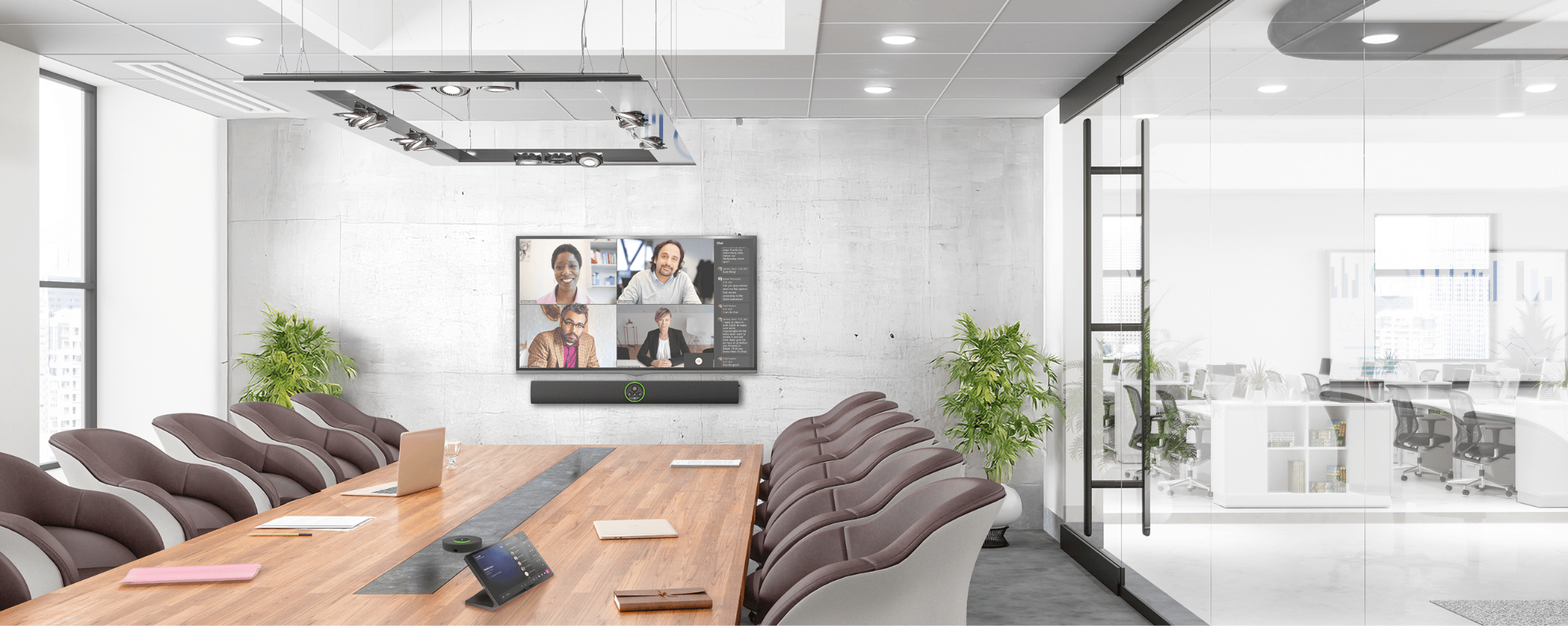
Big meeting rooms are where a lot of the important stuff happens, executive reviews, client pitches, all-hands training. They're also where AV setups tend to show their age fastest. A room that only works well with one video platform, or a mic that can't quite reach the back row, turns a good meeting into a frustrating one.
Crestron's 3.0 firmware update for the Videobar 70 is aimed squarely at that problem. It doesn't require ripping out existing hardware, it just makes the device you already have more capable.
What Large Rooms Usually Get Wrong
A few patterns show up again and again in large conference rooms:
The room is built around one platform. If your organization standardized on Teams or Zoom, that's great until a client or partner needs to jump on their own platform, and suddenly you're scrambling for adapters or a laptop nobody planned for.
The AV gets stale fast. Collaboration needs shift every year or two, but nobody wants to rip out and replace a whole room system every time. That's expensive, disruptive, and usually means weeks of downtime per room.
The mic doesn't reach everyone. Built-in microphones are fine for a small huddle room. In a 20-foot conference room, people at the far end get asked to repeat themselves, and remote participants miss half the discussion.
Every room feels different. When each conference room runs different hardware or a different interface, IT ends up supporting five slightly different setups instead of one consistent one, and employees have to relearn the room every time they walk into a new one.
What's Actually New in 3.0
USB Peripheral Mode. This is the headline feature. Up to now, the Videobar 70 worked as an all-in-one appliance, camera, speaker, mic, and compute, all locked to one platform. With 3.0, it can also run as a plain USB peripheral connected to a room PC or a laptop. That means BYOD rooms are now genuinely on the table, and IT teams aren't locked into a single ecosystem just because of the hardware. Practically, this also means upgrading a room doesn't have to mean replacing it, plug the Videobar 70 in via USB and you've modernized the room without touching the walls.
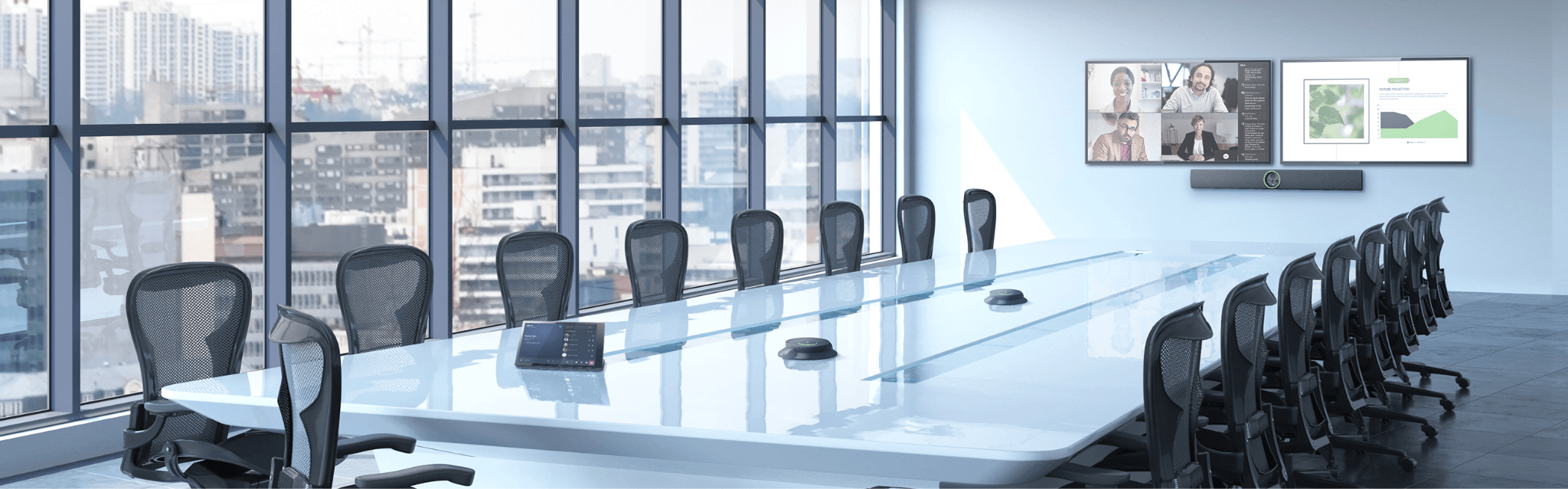
Support for two extension microphones. Larger rooms can now add a pair of extension mics, and the system automatically balances audio across all of them, no manual DSP tuning required. Whether someone's sitting front row or in the back corner, they'll be heard the same way.
21:9 ultrawide display support. The Videobar 70 already handled AI speaker tracking, auto-framing, and multi-camera switching well. Now it also supports ultrawide displays, which opens up more immersive front-of-room layouts and gives remote participants a more natural view of the room.
Under-the-hood upgrades. Android 13, IPv6 support, and tightened security. Not flashy, but this is what keeps a device compatible with whatever collaboration platforms show up over the next few years instead of aging out in 18 months.
Why This Matters Beyond the Meeting Itself
The BYOD flexibility and better audio are the obvious wins, but there's a quieter benefit for IT: standardizing on one device that works across multiple use cases means less to support. Fewer hardware variations, less user training, fewer tickets about "the mic in Room B doesn't work like Room A." That adds up over a portfolio of ten or twenty conference rooms.
Getting It Right Still Comes Down to the Install
None of this matters much if the deployment is half-baked. Room acoustics, network configuration, mic placement, how the BYOD workflow actually gets used day to day, that's where a lot of AV upgrades quietly underperform.
At BCS Consultants, this is the part we spend most of our time on. We design and deploy enterprise AV systems, boardrooms, training rooms, large conference spaces, and make sure the technology actually gets used the way it was meant to. If you're weighing whether the Videobar 70 3.0 update makes sense for your rooms, or you're planning a broader upgrade across multiple locations, we're happy to walk through it with you.
Ready to modernize your meeting spaces? Talk to BCS Consultants about designing and deploying Crestron collaboration solutions built for how your teams actually meet.

You must be logged in to post a comment.