
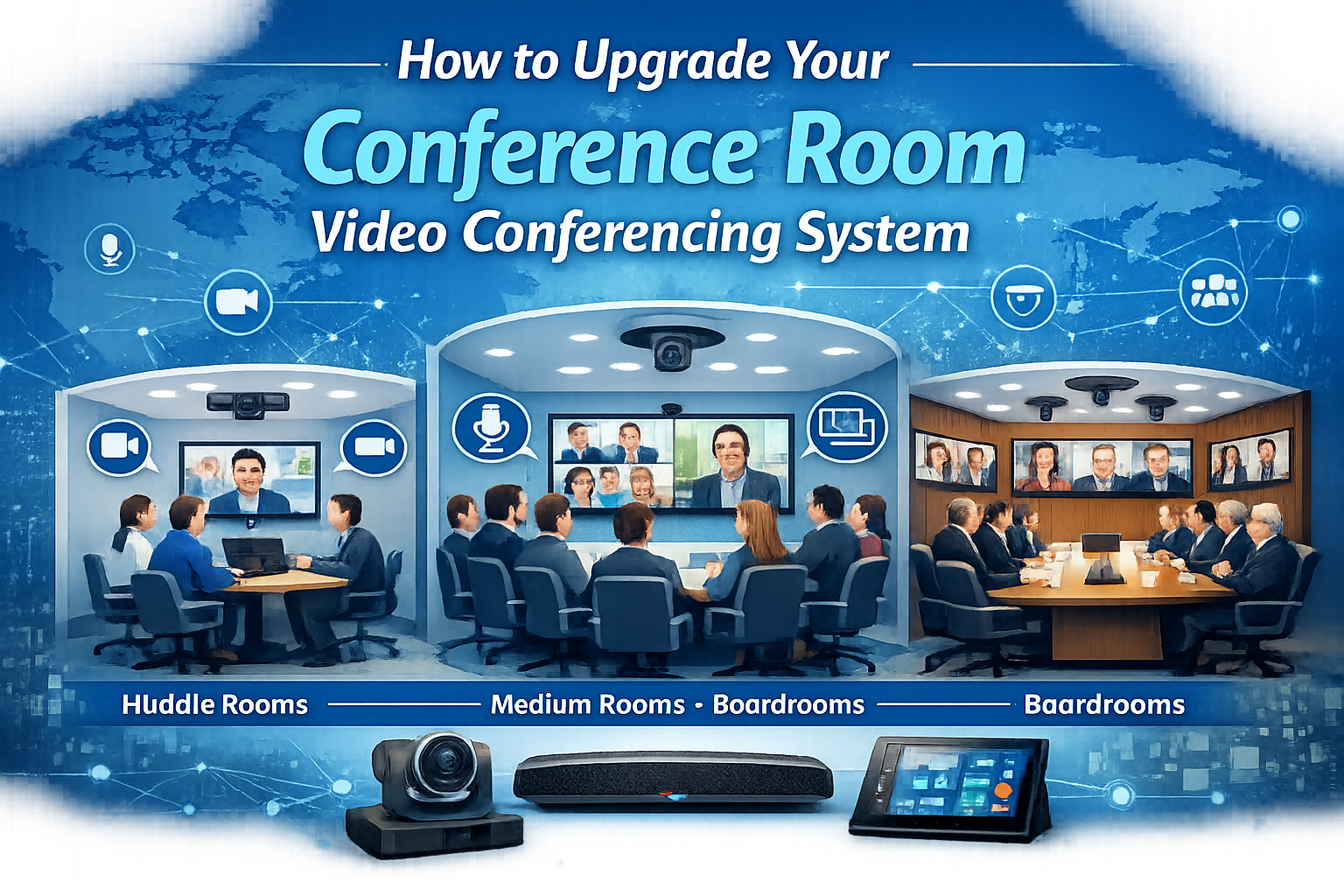
How to Upgrade Your Conference Room Video Conferencing System
Modern conference room video conferencing systems do far more than connect a call. They balance remote and in-room participants, capture every voice clearly, frame speakers automatically, and integrate cleanly with the collaboration platforms your team already uses. Upgrading a meeting room well means matching the technology to the room, the participants, and the way your team actually works. This guide walks through how to approach a conference room video conferencing upgrade, room by room, with help from BCS Consultants.
Why Conference Room Video Conferencing Systems Need an Upgrade
Hybrid work has permanently changed what a meeting room needs to do. A camera that worked when everyone was in person no longer cuts it when half the team joins from home. Microphones that pick up the loudest person fail when colleagues are sitting six feet apart for sound reasons. Displays that were sized for one viewer at the head of the table miss the rest of the room entirely.
A modern conference room video conferencing system is built for meeting equity — making remote participants feel as engaged as the people in the room, and giving in-room participants the same clarity they get on a one-on-one call from a laptop.
Room-Size Tiers: Huddle, Medium, and Boardroom
Huddle rooms host two to four people for quick collaboration. The right setup is typically a single wide-angle camera, a compact display, and an all-in-one audio bar. Speed and simplicity matter more than feature depth — these rooms should join a call in seconds.
Medium conference rooms seat six to ten participants. They benefit from a higher-quality PTZ or AI-framed camera, ceiling or table microphones for even pickup, and a larger display or dual displays so remote participants and shared content are visible at the same time.
Boardrooms and large meeting rooms host executive sessions and broader audiences. They typically use multiple cameras with AI-driven director switching, distributed ceiling microphones, dual or triple displays, and integrated room control. Acoustic treatment and lighting matter as much as the cameras and microphones.
AI Cameras and Beamforming Microphones Explained
AI cameras change how a meeting feels for remote participants. Instead of one static wide shot, the camera intelligently frames the active speaker, follows the conversation as it moves around the room, and presents group shots when multiple people contribute. The effect is a viewing experience that mirrors what an in-room participant naturally tracks.
Beamforming microphones use multiple microphone elements to focus on a speaker's voice and reject background noise. Paired with echo cancellation and noise suppression, they deliver a clean audio signal even when the room is acoustically imperfect. In larger rooms, beamforming microphone arrays can be ceiling-mounted to keep the table clean and the pickup consistent.
Microsoft Teams and Zoom Certification: What It Means
Certified room hardware has been tested by the platform vendor to meet interoperability, audio, video, and reliability standards. For procurement teams, certification reduces risk — your IT department gets predictable support, faster troubleshooting, and a clear upgrade path. For end users, it means the system feels like a native extension of the meeting platform rather than a workaround.
When you upgrade a conference room video conferencing system, prioritizing certified hardware for your primary collaboration platform pays dividends in long-term reliability and support.
The BCS Design-Build Process for Conference Rooms
BCS Consultants approaches every meeting room project as a design-build engagement. We start with discovery — understanding your collaboration platform, room inventory, user needs, and any standards your organization is rolling out. From there, our designers spec the cameras, audio, displays, and control systems room by room.
Integration covers structured cabling, mounting, programming, and on-site testing. Training brings your team up to speed so the new hardware is used to its full potential from day one. Support keeps the rooms running long after launch.
Spec the Right System for Every Room
Planning a conference room refresh? Book a design consultation with BCS Consultants and let us spec the right system for every room in your office.
You must be logged in to post a comment.