
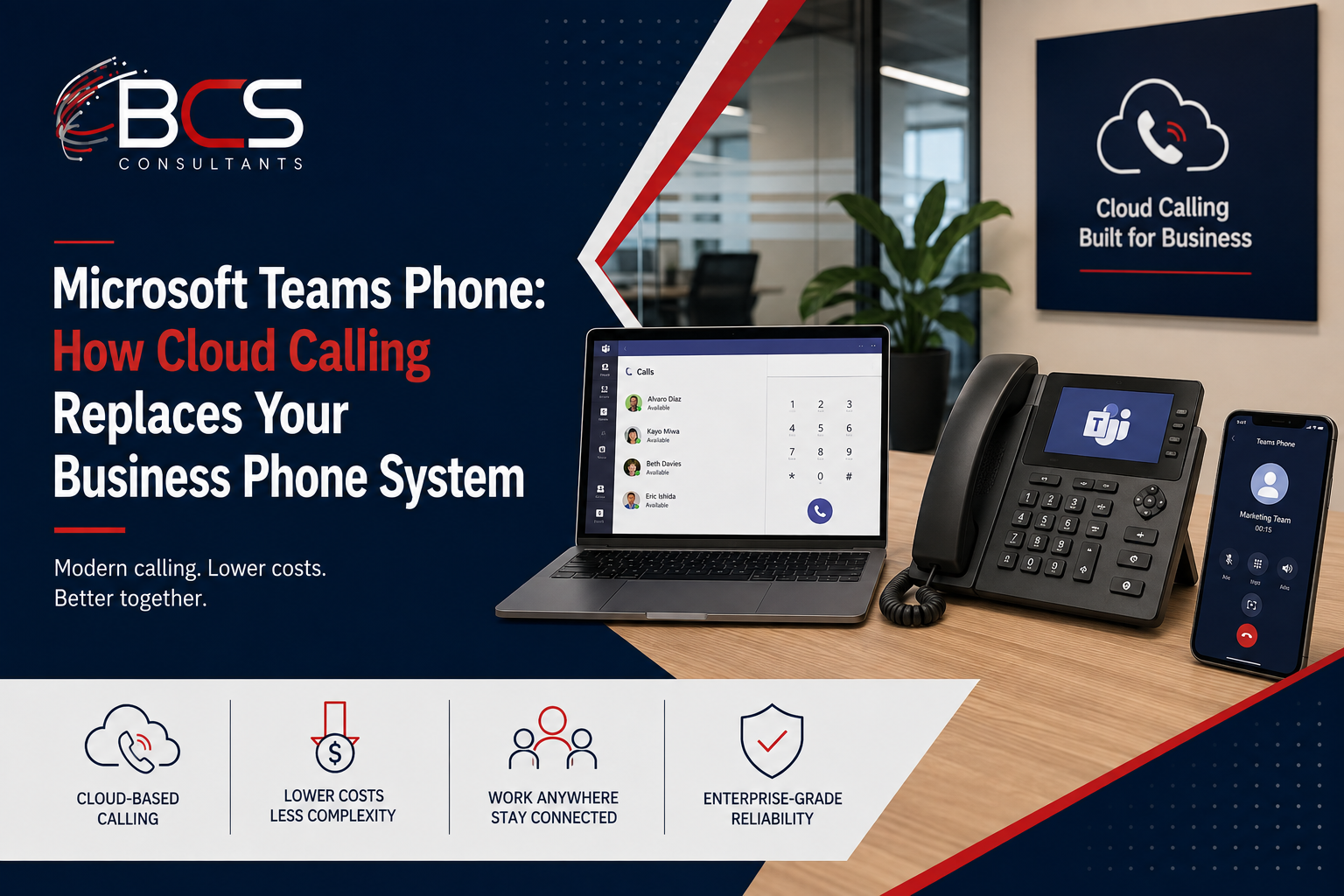
For most organizations running Microsoft 365, the logical next step after standardizing on Teams for meetings and messaging is consolidating voice calling into the same platform. Microsoft Teams Phone makes this possible — replacing the traditional on-premise PBX or hosted VoIP service with cloud-based calling delivered through the Teams application that employees already use every day.
This guide explains how Teams Phone works, what it replaces, what options exist for connecting to the public telephone network, and what the infrastructure requirements look like.
What Microsoft Teams Phone Replaces
The traditional business phone system — whether an on-premise PBX, a hosted VoIP service, or a legacy ISDN infrastructure — does essentially one thing: routes calls between phone numbers. Managing this infrastructure requires dedicated telephony hardware, a specialized administrator skill set, and often a third-party support contract for the on-premise equipment.
Teams Phone replaces all of this with a software feature in Microsoft 365. Users make and receive calls from the Teams application on their laptop, phone, tablet, or Teams-certified desk phone. Their business phone number is associated with their Microsoft 365 account. Voicemail, call forwarding, auto-attendant, call queues, and call recording are configured in the Teams Admin Center — the same interface IT uses for everything else in Microsoft 365.
For organizations that have already standardized on Teams for meetings and messaging, Teams Phone creates a genuinely unified communications experience: all real-time communication — calls, meetings, messages — happens in one application, with a shared contact directory, a shared call and meeting history, and the ability to escalate a call to a meeting or add a colleague to a call with a single tap.
How Teams Phone Connects to the Public Network
Teams Phone requires a connection to the public switched telephone network (PSTN) to make and receive calls to external phone numbers. Microsoft offers three options for this connection.
Teams Calling Plans: Microsoft provides the PSTN connection directly, acting as the carrier. Calling plans are purchased from Microsoft and include a pool of domestic minutes per user. This is the simplest option — no carrier relationship management, no separate phone bill, no SBC hardware — but it is only available in countries where Microsoft offers calling plans and may not provide the number porting flexibility that some organizations need.
Operator Connect: The organization's chosen carrier connects their PSTN infrastructure to Teams through Microsoft's Operator Connect framework, a certified program that allows approved carriers to provide connectivity through a standardized, Teams-integrated interface. Operator Connect simplifies the carrier integration compared to Direct Routing while preserving the choice of carrier.
Direct Routing: The organization deploys a Session Border Controller (SBC) — a hardware or cloud-based device that bridges between the PSTN and the Microsoft Teams infrastructure — and connects their existing carrier relationship or SIP trunk directly. Direct Routing requires more technical expertise to configure and maintain but provides the maximum flexibility for organizations with complex requirements, existing carrier contracts they need to preserve, or deployment scenarios not supported by Calling Plans or Operator Connect.
BCS Consultants advises on the appropriate PSTN connectivity option for each client's specific situation — carrier relationships, geographic requirements, number porting timeline, and IT team capability all factor into the recommendation.
Device Options for Teams Phone Users
Teams Phone users are not limited to a softphone experience on their laptop or mobile device. Microsoft certifies specific desk phone hardware for Teams Phone, providing a traditional phone experience for users who prefer it.
Teams-certified desk phones from Yealink and Poly display the user's Teams presence, show their upcoming meetings, and allow one-touch joining of Teams meetings from the phone — the same one-touch experience as a Teams Rooms conference room system. They connect to the corporate network over Ethernet, with PoE powering the device from the network switch.
Teams displays are a category between a desk phone and a personal Teams Rooms device — a touchscreen device that shows the user's Teams calendar, messages, and calls, with camera capability for one-on-one video calls from the desk.
Infrastructure Requirements for Teams Phone
Teams Phone is a real-time communication application that is sensitive to network quality in the same way as Teams meetings. The network infrastructure that carries Teams Phone traffic must be configured appropriately.
Quality of Service (QoS) configuration marks Teams Phone call traffic with the appropriate DSCP values so that network switches and routers prioritize it over background data traffic. Without QoS, a file download or a software update running in the background on the same network segment can cause audio degradation on an active phone call.
Sufficient bandwidth must be allocated for the number of simultaneous Teams Phone calls the organization expects to run. Each active call consumes a modest amount of bandwidth, but in organizations with large call center or high-call-volume teams, the aggregate bandwidth requirement is meaningful.
The cabling and wireless infrastructure must meet the baseline performance requirements for Teams Phone — packet loss, latency, and jitter thresholds that Microsoft publishes for acceptable call quality. BCS Consultants assesses the network infrastructure against Microsoft's requirements as part of every Teams Phone deployment project.
Frequently Asked Questions
Can we keep our existing phone numbers when migrating to Teams Phone?
Yes. Number porting — the process of moving existing business phone numbers from your current carrier to the Teams Phone infrastructure — is available for most number types in most countries. The porting process and timeline varies by carrier and country. BCS Consultants manages the number porting coordination as part of every Teams Phone deployment project.
Do all employees need a Teams Phone license?
Only employees who need a phone number assigned to their Teams account require a Teams Phone license. Employees who only need to make internal calls through Teams — Teams-to-Teams calling is included in the standard Microsoft 365 subscription — do not need a Teams Phone add-on license.
What happens during a network outage if we are using Teams Phone?
Teams Phone requires internet connectivity to the Microsoft 365 service. During a network or internet outage, Teams Phone calls cannot be made or received. Organizations that require call continuity during network disruptions should evaluate Direct Routing with survivability capabilities at the SBC level, which can maintain local emergency call capability during outages.
Ready to get started? Plan your Teams Phone deployment with BCS Consultants· bcsconsultants.com/contact/contact-us/
