
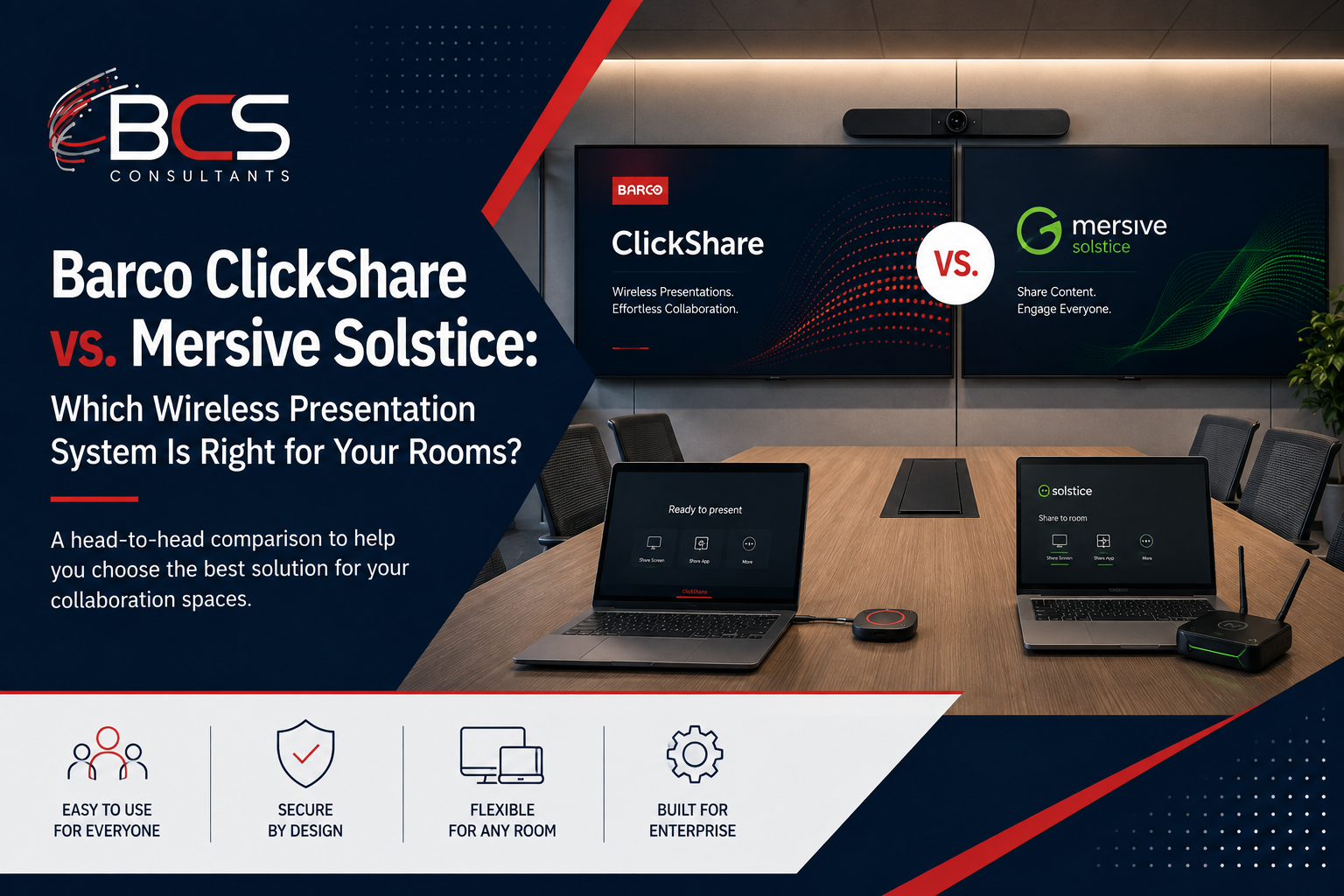
When organizations evaluate wireless presentation systems for their conference rooms, two platforms consistently appear at the top of the shortlist: Barco ClickShare and Mersive Solstice. Both solve the same fundamental problem — allowing any presenter with any device to share content to the room display without cables or adapters — but they take meaningfully different approaches. The right choice depends on your organization's priorities.
This guide compares ClickShare and Solstice across the dimensions that matter for a commercial buyer making a deployment decision.
The Shared Problem Both Solve
Meeting rooms equipped with traditional HDMI connections force presenters to: find the right adapter for their device, untangle the cable, wait for the display to detect the connection, and potentially troubleshoot when it does not. This process routinely costs five minutes at the beginning of meetings and creates the specific frustration of technology that should be simple but is not.
Wireless presentation systems eliminate this entirely. The presenter connects wirelessly and appears on the room display within seconds. No adapters, no cables, no troubleshooting.
Barco ClickShare: The Simplicity Standard
ClickShare's approach to wireless presentation is built around simplicity as the primary design objective. The ClickShare button — a USB dongle that plugs into any laptop's USB port — is the defining feature of the platform. Press the button, and your screen appears on the room display. That is the complete user experience for basic functionality.
No app installation is required for the button-based experience. No network configuration is visible to the user. No login is needed. This simplicity is why ClickShare has become the most widely deployed wireless presentation platform in enterprise environments — it works for every user, regardless of their technical sophistication, without any setup.
The ClickShare CX series (the conference room product line) adds features beyond basic screen sharing: app-based connection for devices without a USB port, AirPlay and Miracast support, Teams and Zoom integration for one-click meeting join, and enterprise IT management through Barco's XMS Cloud dashboard.
ClickShare security features — WPA2 Enterprise authentication, certificate-based device enrollment, end-to-end encryption of the wireless signal — make it appropriate for enterprise deployments where IT needs documented, manageable security for wireless presentation infrastructure.
Mersive Solstice: The Collaboration Platform
Mersive Solstice takes a different design philosophy. Rather than optimizing for single-presenter simplicity, Solstice is built for multi-user collaboration — scenarios where multiple people in the room need to share content simultaneously, arranged in a configurable layout on the room display.
The Solstice Pod (the hardware unit that sits in the room) runs the Solstice software and allows up to four users to share content simultaneously on the room display, in a configurable split-screen layout. Users connect through the Solstice app on their device — available for Windows, Mac, iOS, and Android — or through a browser-based connection that requires no app installation.
Solstice's multi-content layout is particularly valuable in collaborative work sessions: two teams comparing analysis side by side, a group reviewing multiple documents simultaneously, or a workshop where different participants share different components of a presentation. This workflow is simply not possible with ClickShare's single-screen-at-a-time model.
Solstice Cloud provides centralized IT management: monitoring, firmware updates, usage analytics, and configuration management for all Solstice Pods across the organization from a single dashboard.
Head-to-Head Comparison
Connection method: ClickShare uses a USB button (no app required) plus app-based and AirPlay/Miracast connections. Solstice uses an app-based connection for Windows, Mac, and mobile, plus browser-based connection for app-free sharing.
Simultaneous sharing: ClickShare supports one active screen share at a time for button connections; multiple users can share sequentially. Solstice supports up to four simultaneous content streams in configurable split-screen layouts.
Teams and Zoom integration: Both platforms integrate with Teams and Zoom. ClickShare's CX series supports one-touch meeting join. Solstice provides content sharing integration with Teams and Zoom sessions.
Security model: ClickShare Enterprise supports WPA2 Enterprise, certificate-based authentication, and IT management through XMS Cloud. Solstice Enterprise supports enterprise network authentication and Solstice Cloud management.
IT management: Barco XMS Cloud for ClickShare; Mersive Solstice Cloud for Solstice. Both provide centralized device management, firmware updates, and usage analytics.
Best-fit environments: ClickShare excels in rooms where simplicity and reliable single-presenter experience for diverse user populations is the priority. Solstice excels in collaborative work environments where multi-user simultaneous sharing is a common workflow.
When to Choose ClickShare
Choose ClickShare when the organization has a diverse user population with varying technical sophistication — the USB button eliminates the need for any user training. Choose ClickShare for rooms used primarily for presentations where a single presenter shares to the group. Choose ClickShare when you need the broadest possible device compatibility without app installation.
When to Choose Solstice
Choose Solstice when the primary use case is collaborative work with multiple participants contributing content simultaneously. Choose Solstice for innovation labs, design studios, strategy rooms, and collaborative workspaces where the multi-screen capability delivers direct workflow value. Choose Solstice when detailed usage analytics — which rooms are being used, how long, by how many participants — is an operational priority.
How BCS Recommends and Deploys Both Platforms
BCS Consultants works with both Barco ClickShare and Mersive Solstice and recommends based on each client's specific room types, user workflows, and IT management requirements. Many organizations deploy both — ClickShare for standard conference rooms and Solstice for specific collaborative work environments.
Frequently Asked Questions
Can ClickShare and Solstice coexist on the same network?
Yes. Both platforms are standard network devices that coexist on an enterprise network without conflict. Organizations with a mixed deployment of both platforms manage them through their respective cloud management dashboards.
Do wireless presentation systems work with Teams and Zoom room systems?
Yes. Both ClickShare and Solstice integrate with Teams Rooms and Zoom Rooms certified systems, allowing wireless content sharing to appear in the video conferencing session simultaneously with the in-room display.
Is there a limit to how many rooms can be managed through the cloud dashboard?
No practical limit exists for enterprise deployments. Barco XMS Cloud and Mersive Solstice Cloud are designed for enterprise scale, managing hundreds or thousands of devices across multiple locations from a single dashboard.
Ready to get started? Let BCS recommend the right wireless presentation system for your rooms · bcsconsultants.com/contact/contact-us/
