
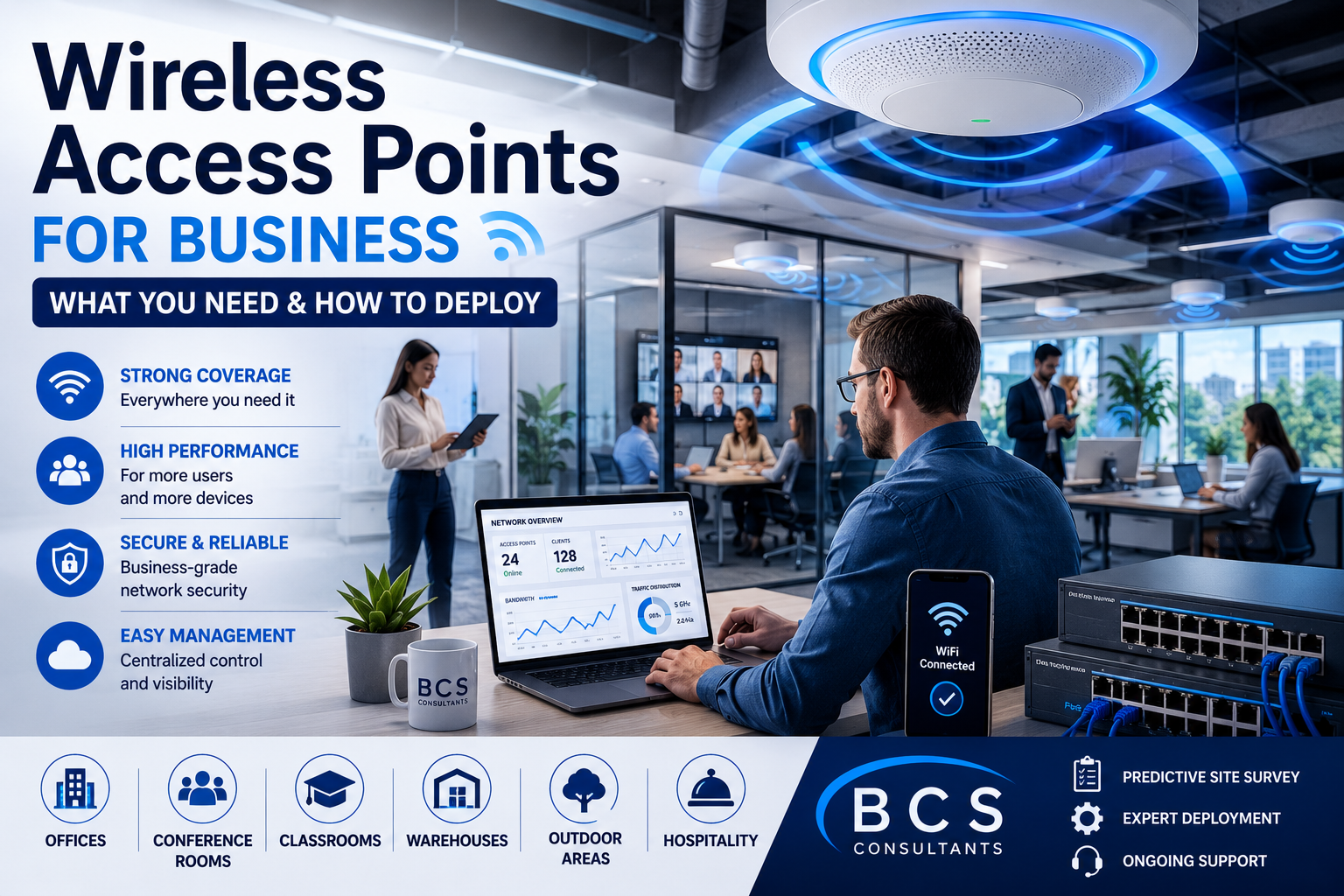
Wireless Access Points for Business: What You Need and How to Deploy Them
Wireless access points for business environments are not interchangeable commodities. The model you choose, the way you place them, and the cabling and switching behind them determine whether your WiFi network performs reliably under real load or quietly frustrates users every day. This guide focuses on deployment — how to roll out wireless access points correctly, which models suit which environments, and the common mistakes that lead to expensive rework.
When Your Business Needs Wireless Access Points
Any business with more than a small handful of users, more than a single room of coverage, or guest connectivity expectations needs dedicated wireless access points rather than a consumer router. The signs that your current setup has been outgrown are familiar: dead zones at the far end of the office, dropped video calls in conference rooms, slow speeds during peak hours, and complaints from visitors who cannot stay connected on the guest network.
Wireless access points purpose-built for business resolve these issues by delivering coverage that matches your floor plan, capacity that matches your user density, and management that gives IT visibility into what is happening on the network.
Why a Predictive Wireless Site Survey Matters
A predictive wireless site survey models how WiFi will behave in your space before any access points are installed. Survey engineers use floor plans, building materials, and expected user density to map the placement, power levels, and channel plans that will deliver the coverage and capacity you need.
The alternative — guessing at placement and hoping for the best — is how dead zones and roaming problems get baked into a network. A proper survey costs a fraction of a remediation project and saves enormous frustration over the life of the deployment.
Choosing the Right Access Point Models for Your Environment
Indoor general-purpose access points fit the majority of office environments. They balance throughput, range, and cost for typical user density.
High-density access points are built for training rooms, auditoriums, classrooms, and any space where many devices connect in a small footprint. They use advanced radio technologies to keep performance high when the room is full.
Outdoor access points withstand weather and temperature swings while delivering coverage to patios, parking lots, warehouses, and yard areas.
Specialty access points serve hospitality rooms, healthcare environments, and other settings where unique form factors or specific certifications matter.
Common Wireless Access Point Deployment Mistakes
Over-provisioning is one of the most common — and most expensive — mistakes. Installing more access points than the space needs creates co-channel interference that degrades performance, not improves it.
Under-provisioning is just as common in the other direction. Spacing access points too far apart leaves coverage gaps that no amount of power adjustment can fix.
Ignoring channel planning creates self-inflicted interference, where neighboring access points step on each other. Skipping PoE budgeting means switches run out of power before the deployment is complete. And poor cable runs limit the access points to a fraction of their capability.
A disciplined deployment process avoids all of these — and that discipline is exactly what BCS brings to every wireless project.
How BCS Designs and Deploys Business Wireless
BCS Consultants designs wireless deployments around real coverage data, not guesswork. We start with a predictive site survey, validate it with an on-site walk-through, and produce a deployment plan that covers access point placement, channel and power configuration, cabling, PoE switching, controller or cloud management setup, and security policy.
Installation, configuration, validation testing, and ongoing support round out the engagement. The result is a wireless network that performs the way users expect from day one.
Avoid Costly WiFi Mistakes
Avoid costly WiFi mistakes. Request a wireless assessment from BCS Consultants and get a deployment plan based on real coverage data.
You must be logged in to post a comment.